 Jam SQL Studio
 Aqua Data Studio vs Toad vs DataGrip vs Jam SQL Studio
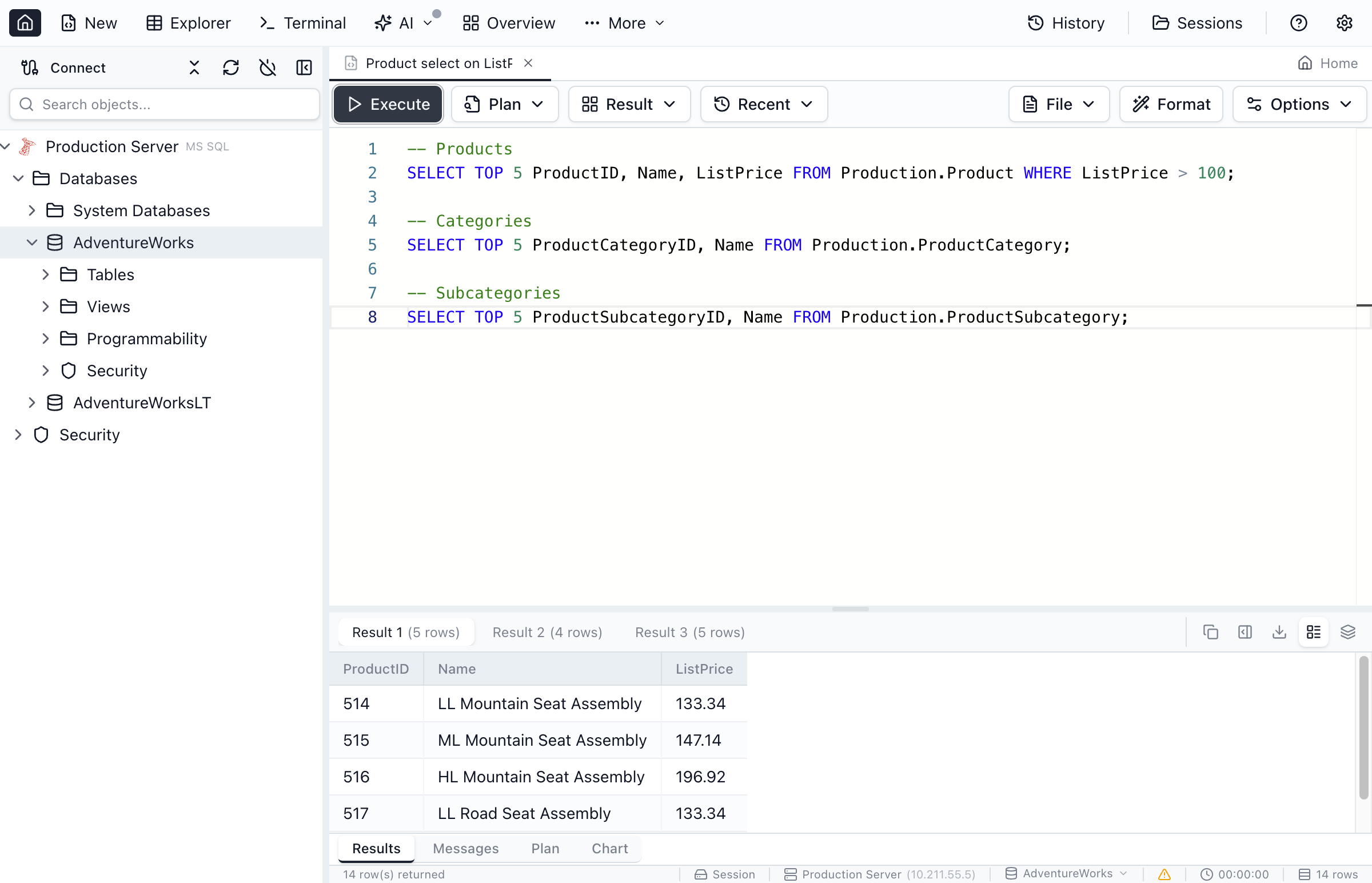
Evaluating multi-database IDEs? Jam SQL Studio is a cross-platform alternative to Aqua Data Studio, Toad, and DataGrip, free for personal use — with Oracle, SQL Server, PostgreSQL, MySQL and SQLite support, schema and data compare, execution plans, a PL/SQL debugger, and AI agent integration via MCP.
Free for personal use • No account required • Mac, Windows, Linux
Aqua Data Studio vs Toad vs DataGrip vs Jam SQL Studio
A side-by-side comparison of four multi-database IDEs for 2026.
| Feature | Jam SQL Studio | Aqua Data Studio | Toad (for Oracle) | DataGrip |
|---|---|---|---|---|
| Price | ✓ Free for personal use; Pro $99/yr for commercial use | Standard $499, Ultimate $699 per user per year | Paid per seat; quote-based | Free for non-commercial use; paid subscription for commercial use |
| Platforms | ✓ macOS, Windows, Linux | ✓ Windows, macOS, Ubuntu Linux | Windows, plus a separate Toad for Oracle on Mac | ✓ macOS, Windows, Linux |
| Apple Silicon | ✓ Native ARM64 build | Supported (M1–M4 listed); native build not stated | Mac edition lists Apple Silicon | ✓ Native build |
| Java runtime | ✓ None (Electron) | Bundled OpenJDK 11 | ✓ None | Bundled JetBrains Runtime |
| Oracle | ✓ Thin, no client | ✓ | ✓ | ✓ |
| SQL Server, PostgreSQL, MySQL / MariaDB | ✓ | ✓ | Separate Toad products | ✓ |
| SQLite | ✓ | ✓ | ✗ | ✓ |
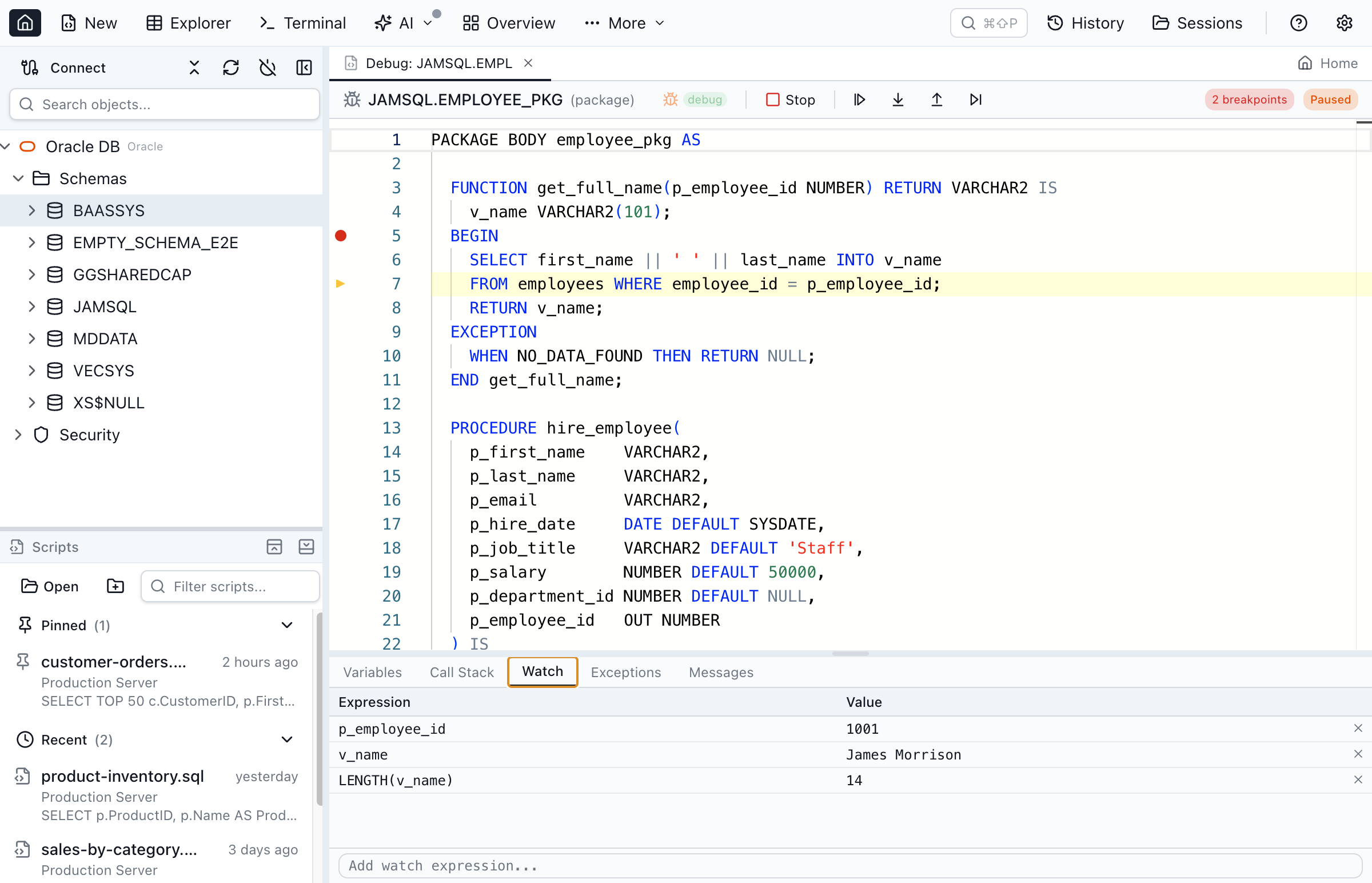
| PL/SQL debugger | ✓ DBMS_DEBUG (beta) | ✓ | ✓ | ✓ Based on DBMS_DEBUG |
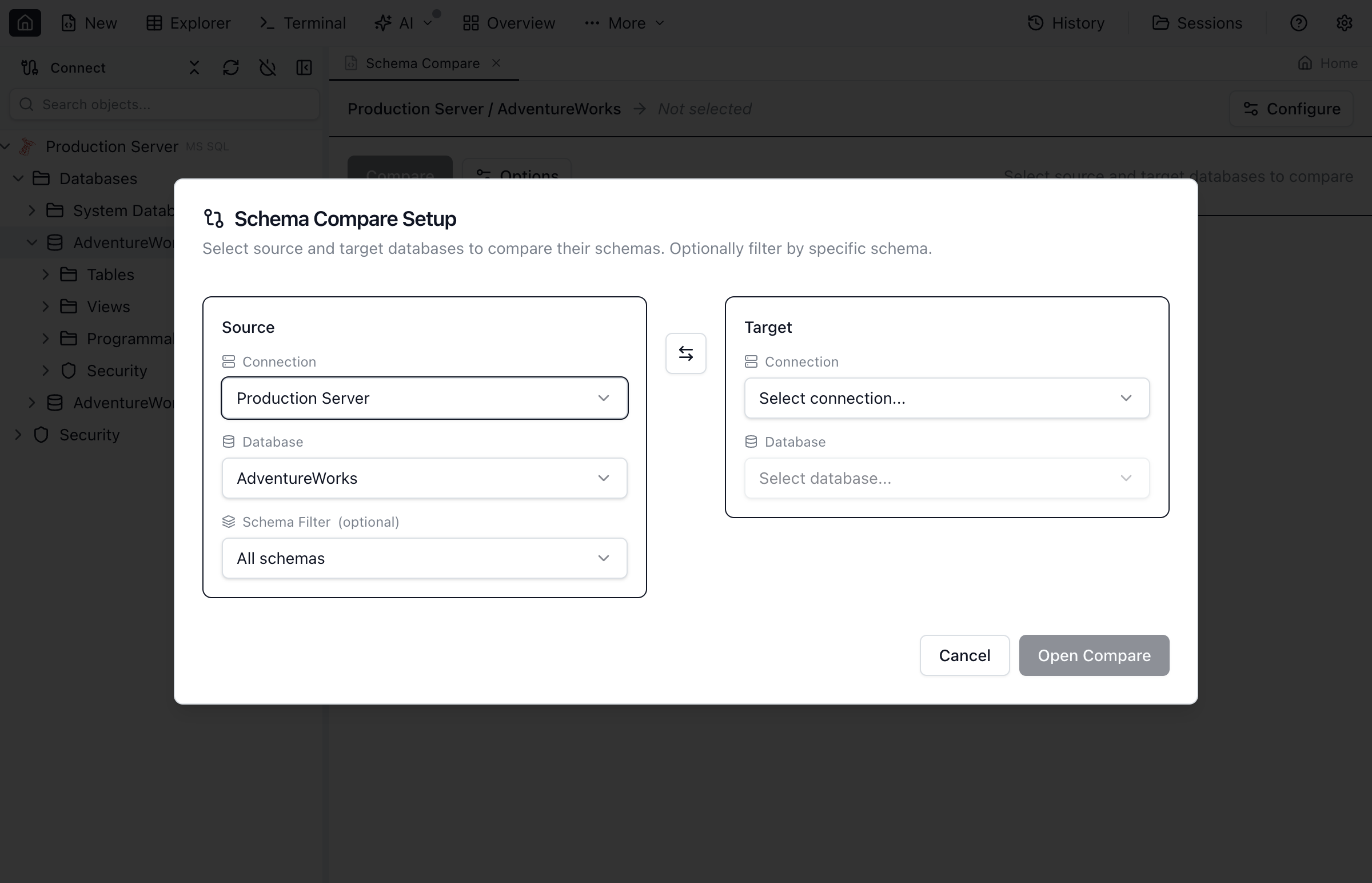
| Schema compare | ✓ | ✓ | ✓ | ✓ |
| Data compare | ✓ | ✓ | ✓ | ✓ |
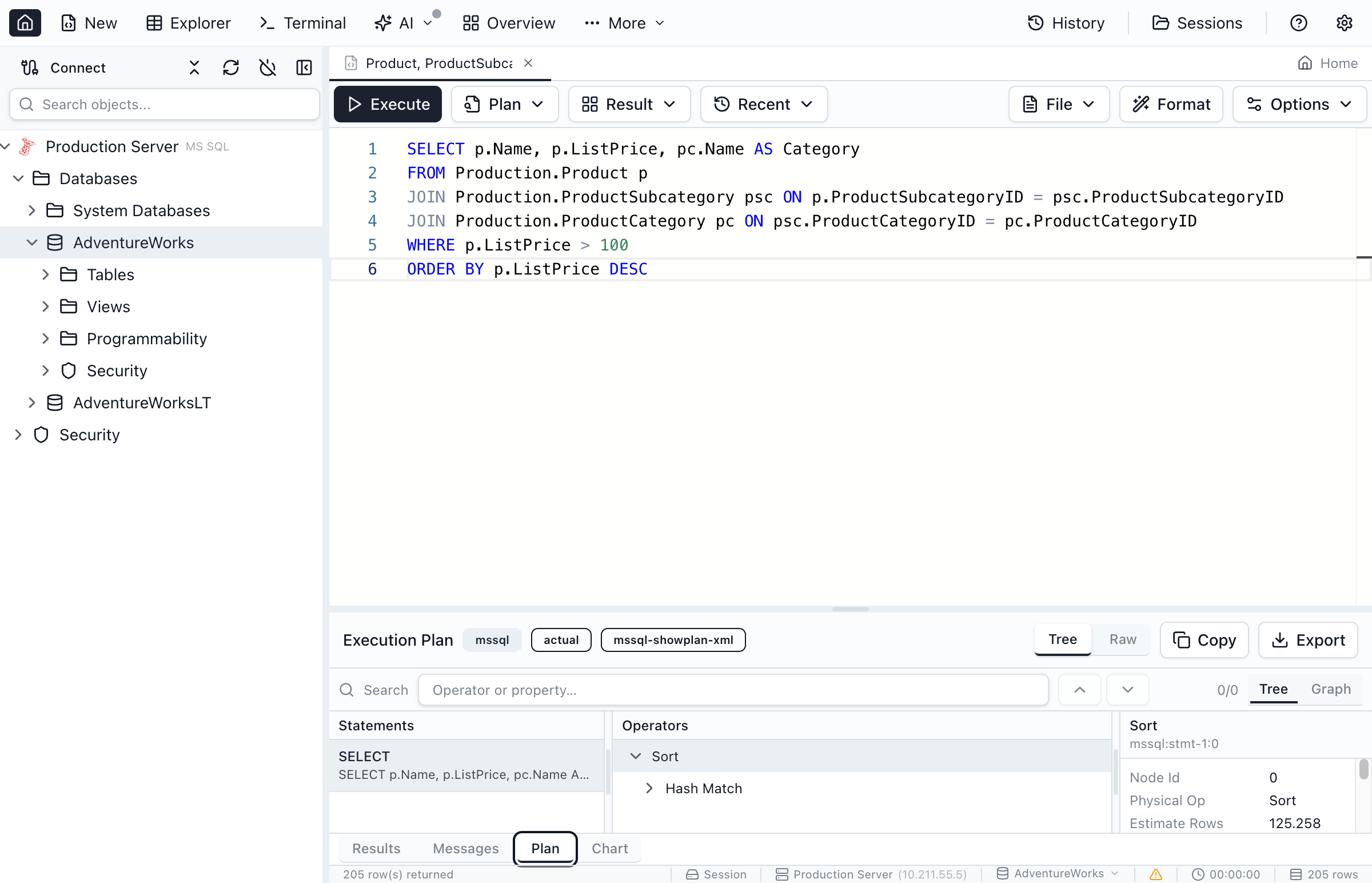
| Execution plans | ✓ | ✓ | ✓ | ✓ |
| MCP server for external AI agents | ✓ Built in, starts blocked | ✗ | Toad AI features need an AI-enabled license | ✓ Bundled since 2025.2 |
| Charts from query results | ✓ | ✓ Visual Analytics | Not compared | ✓ |
| ER modeling | Read-only Schema Overview diagram | ✓ ER Modeler | Not compared | Diagrams of existing schemas |
Why Choose Jam SQL Studio
Multi-database IDEs like Aqua Data Studio, Toad, and DataGrip are capable but paid for commercial use. Jam SQL Studio is a desktop alternative that is free for personal use and $99/year for commercial use.
One Tool for Six Engines
Oracle, SQL Server, PostgreSQL, MySQL/MariaDB, SQLite and Azure Data Explorer — all in one application with a consistent UI and one license. Toad sells its SQL Server and other engine editions as separate products.
Desktop App, Every Platform
Apple Silicon, Intel Mac, Windows x64, and Linux x64 and ARM64 each get their own desktop build. Aqua Data Studio runs on a bundled Java runtime, and Toad for Oracle's Mac version is a separate product line.
AI Agents via Built-in MCP Server
A local Model Context Protocol server lets Claude Code, Claude Desktop, and other AI tools safely query your databases. Policy-controlled access, and no queries by default (read-only or approval-gated writes are opt-in, per connection). DataGrip also bundles an MCP server, since 2025.2; Aqua Data Studio has none.
Free for Personal Use
Aqua Data Studio and Toad are paid per seat, and DataGrip is paid for commercial use. Jam SQL Studio covers personal projects, learning and evaluation at no cost, with its Oracle, SQL Server and PostgreSQL capabilities included; commercial use needs Pro at $99/year.
Bring Your Connections With You
Moving from another database tool? Import your saved connections in one click from Azure Data Studio, VS Code, SSMS, DBeaver, DataGrip, TablePlus, MySQL Workbench, Navicat, and pgAdmin — plus standard config files like tnsnames.ora, pg_service.conf, and ODBC. See how import works →
Frequently Asked Questions
Common questions about choosing between Aqua Data Studio, Toad, DataGrip, and Jam SQL Studio.
Is Jam SQL Studio a good Aqua Data Studio alternative?
Yes, for Oracle, SQL Server, PostgreSQL, MySQL, MariaDB and SQLite work. Jam SQL Studio is a cross-platform multi-database IDE in the same category as Aqua Data Studio, Toad and DataGrip, with schema compare, data compare, execution plans, a PL/SQL debugger and an MCP server for AI agents. It is free for personal use; commercial use needs Pro at $99/year. Aqua Data Studio covers more platforms (over 40) and adds an ER modeler and visual analytics.
How does Jam SQL Studio compare to Aqua Data Studio vs Toad vs DataGrip?
All four are multi-database IDEs. Aqua Data Studio is paid ($499 or $699 per user per year for Standard or Ultimate, as of September 2026) and runs on a bundled Java runtime. Toad for Oracle is paid and quote-based, with a Windows edition and a separate Mac edition. DataGrip is free for non-commercial use, paid for commercial use, and has bundled an MCP server since 2025.2. Jam SQL Studio is free for personal use and $99/year for commercial use, runs on Mac, Windows and Linux, and its MCP server starts blocked, with policies set per connection.
Is Jam SQL Studio free like Aqua Data Studio's trial?
Jam SQL Studio's Personal tier is free with no time limit for personal, non-commercial use, and includes unlimited connections, IntelliSense, PL/SQL debugging, execution plans, charting, and schema compare. Aqua Data Studio has a 14-day trial with all Ultimate features except import and export; after that it needs a paid license.
Does Jam SQL Studio run on Apple Silicon Macs?
Yes. Jam SQL Studio ships a native ARM64 build for Apple Silicon (M1, M2, M3, M4) as well as Intel Macs. Aqua Data Studio lists M1 through M4 Macs as supported and bundles its own OpenJDK 11 runtime; Idera does not say whether its Mac build is native ARM64.
Which databases does Jam SQL Studio support?
Jam SQL Studio connects to Oracle (Thin mode, no Oracle Client), SQL Server, PostgreSQL, MySQL, MariaDB, SQLite and Azure Data Explorer. Schema compare, data compare and the object explorer work across the relational engines.
Can I use AI coding assistants with Jam SQL Studio?
Yes. Jam SQL Studio ships a local MCP server (Model Context Protocol) that lets AI coding assistants like Claude Code, Claude Desktop, and GitHub Copilot query your databases. Policies run no queries by default — read-only or approval-gated writes are opt-in, and can be tightened per connection. DataGrip has bundled an MCP server of its own since 2025.2. Aqua Data Studio has an AI feature, NL Code Assist, that turns natural language into SQL using OpenAI models, but no MCP server.
Try a Free Aqua Data Studio Alternative
Download Jam SQL Studio free. One modern desktop app for Oracle, SQL Server, PostgreSQL, MySQL, MariaDB, and SQLite.
Compare Against Other Tools
See how Jam SQL Studio stacks up against other popular database IDEs, or read our guide to choosing an Oracle SQL client in 2026.