 Jam SQL Studio
 A Standalone Alternative to Oracle SQL Developer for VS Code
Oracle SQL Developer for VS Code is where Oracle now adds new Oracle tooling — but it lives inside VS Code, it covers Oracle only, and its PL/SQL debugger needs a JDWP reverse connection. Jam SQL Studio is a dedicated desktop Oracle IDE with a step-through debugger that works over your normal connection, plus schema compare, execution plans, and AI agent support.
Free for personal use • No account required • Mac, Windows, Linux
Jam SQL Studio vs Oracle SQL Developer for VS Code
How a standalone Oracle IDE compares to Oracle's VS Code extension.
| Feature | Jam SQL Studio | Oracle SQL Developer for VS Code |
|---|---|---|
| Product type | ✓ Standalone desktop IDE | VS Code extension |
| Price | ✓ Free (Personal) | ✓ Free |
| Requires VS Code | ✗ No | ✓ Yes |
| Platforms | ✓ Mac/Win/Linux | ✓ Mac/Win/Linux |
| Oracle Client required | ✗ No — Thin mode | ✗ Thin by default |
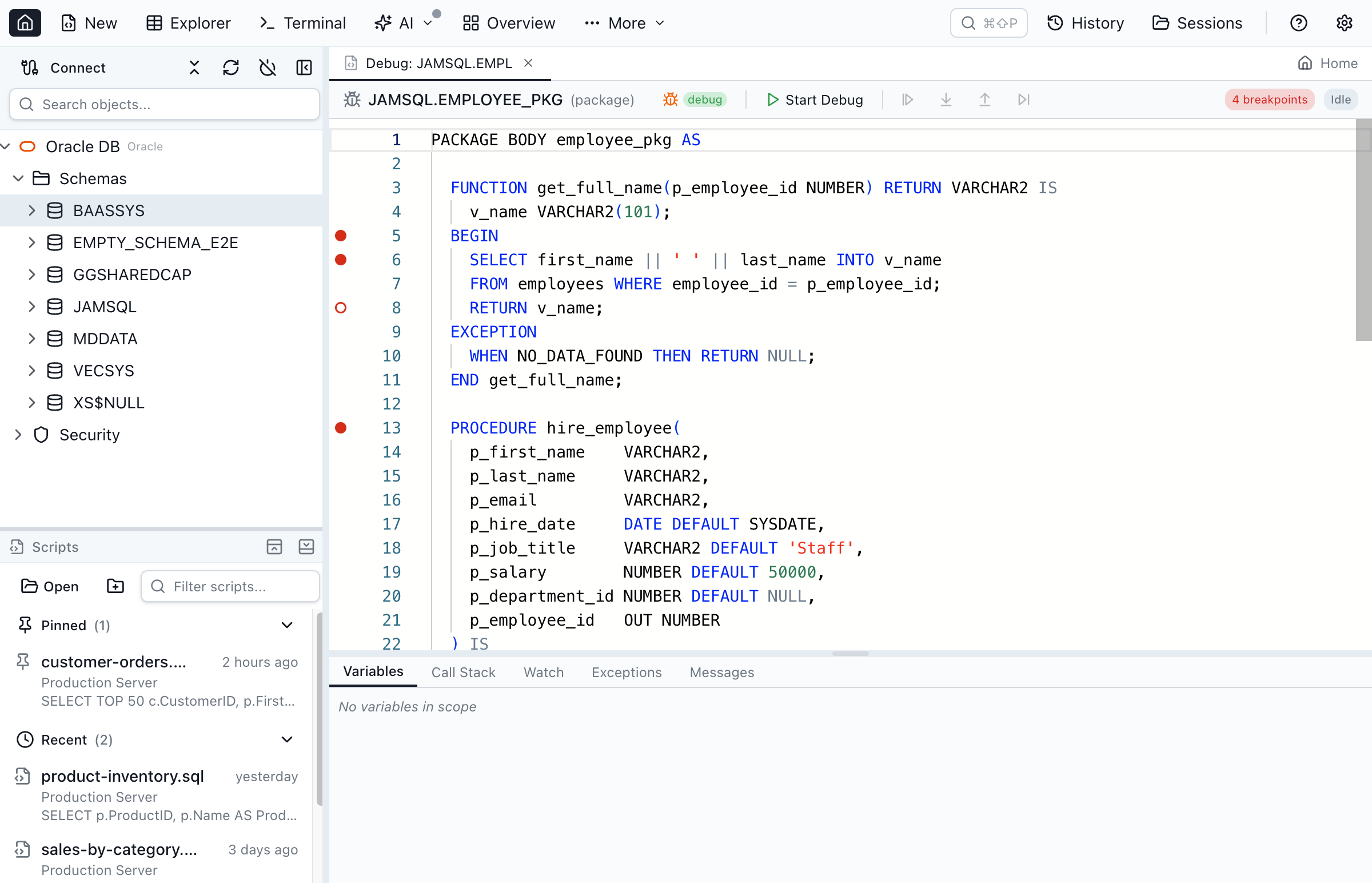
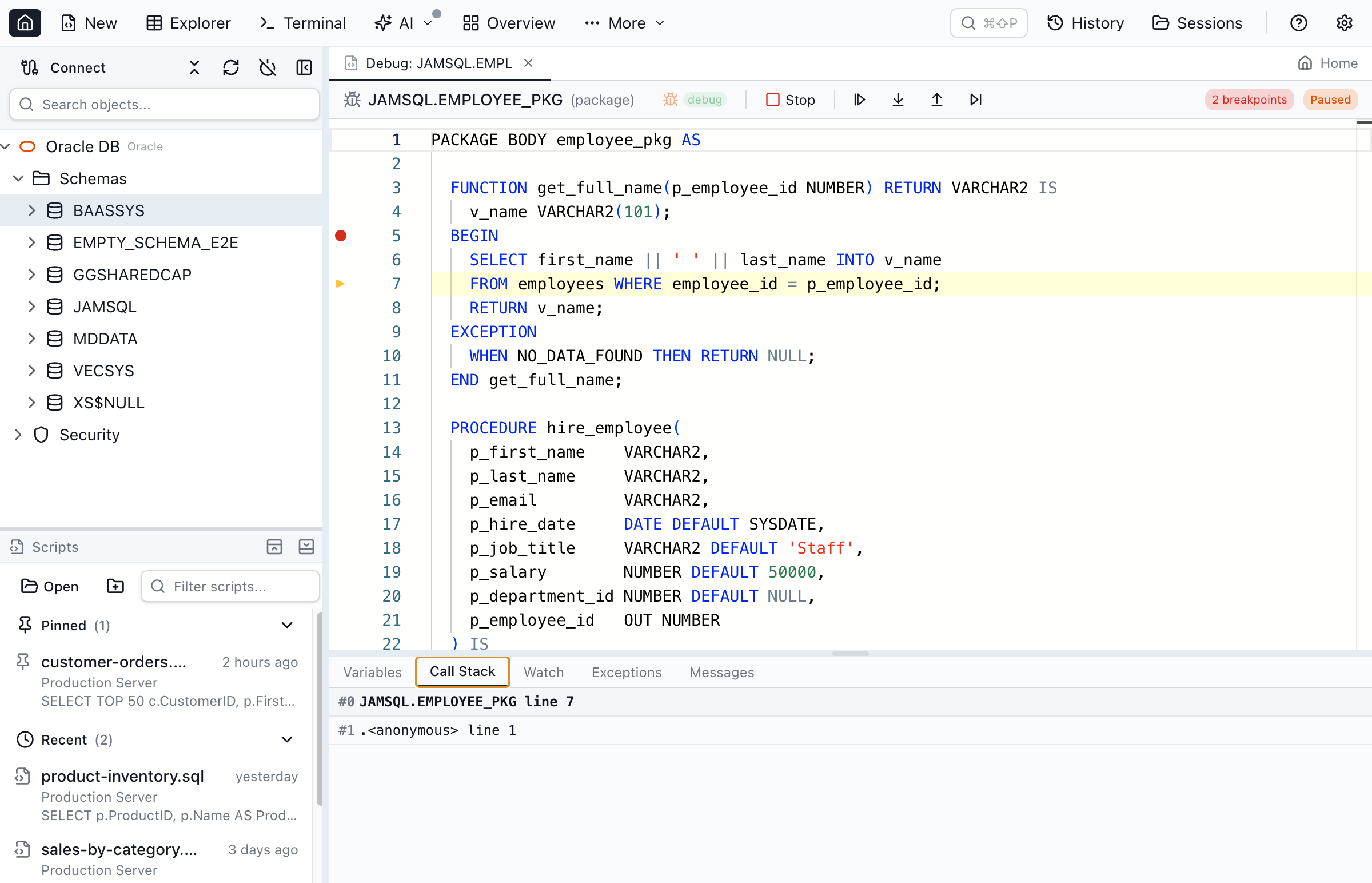
| PL/SQL debugger | ✓ DBMS_DEBUG (no firewall) | ✓ JDWP reverse connection |
| Debug without firewall/ACL setup | ✓ | ✗ Needs a network ACL and a reverse connection |
| Object explorer (packages, sequences, synonyms, DB links) | ✓ | ✓ |
| Schema compare | ✓ | ✗ |
| Data compare | ✓ | ✗ |
| Execution plans | ✓ Tree + graph | ✓ |
| Session browser | ✓ | ✓ Monitor Database Sessions (since 26.1) |
| Tablespace manager | ✓ | ✗ |
| Instance monitor | ✓ | ✗ Not documented |
| AWR / ASH reports | ✗ | ✓ Since 26.2 |
| Data Pump GUI | ✓ | ✗ |
| Charts | ✓ From any query result | ✓ In SQL notebooks |
| SQL notebooks | ✓ .ipynb, six engines | ✓ Oracle |
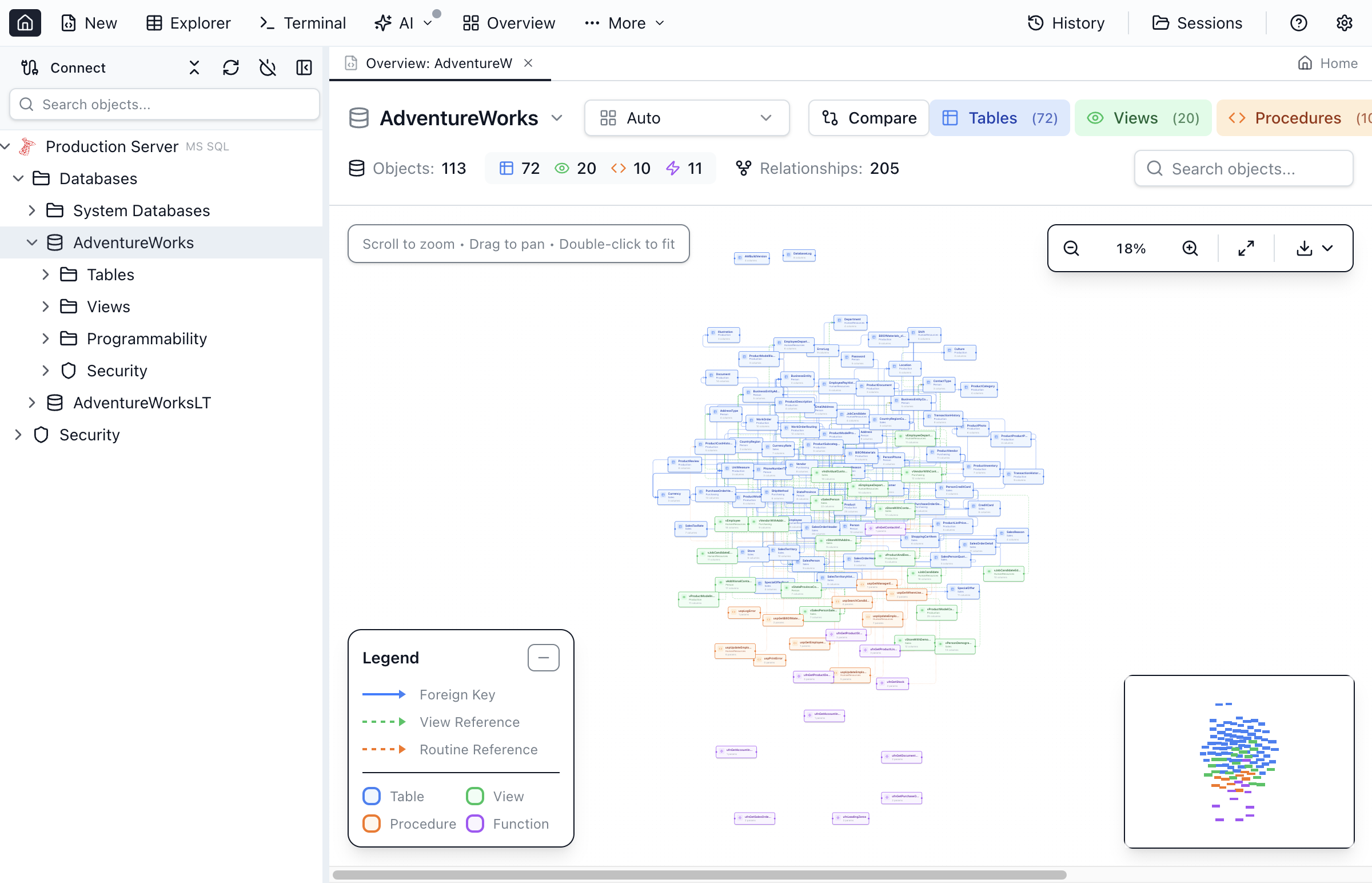
| Multi-database | ✓ 6 engines | ✗ Oracle only |
| AI Agent Support (MCP) | ✓ Built-in | ✓ Embedded SQLcl MCP server (Oracle only) |
Why a Dedicated Oracle IDE Still Matters
Oracle's VS Code extension has grown quickly — session monitoring, AWR/ASH reports and user management arrived in 2026 — but it runs inside an editor and covers Oracle only.
PL/SQL Debugging Without Firewall Gymnastics
The VS Code extension's debugger uses JDWP, which requires the database server to open a reverse TCP connection to your machine. In corporate networks, cloud environments, or OCI Autonomous Database, that often means firewall rules and ACL configuration. Jam SQL Studio uses DBMS_DEBUG over your existing connection — no reverse TCP, no ACL setup. Read the deep dive.
DBA Tools in One Desktop App
Session browser, tablespace manager, instance monitor and Data Pump GUI, built into the app. As of September 2026 the extension has session monitoring and AWR/ASH reports, but documents no tablespace manager, instance monitor or Data Pump interface.
Schema and Data Compare
Compare Oracle schemas or table data across environments and generate sync scripts. As of September 2026, Oracle SQL Developer for VS Code has neither.
An MCP Server for More Than Oracle
A local Model Context Protocol server lets Claude Code, Claude Desktop, and other AI tools safely query your Oracle database, running no queries by default (read-only or approval-gated writes are opt-in), with token authentication — built directly into the desktop app. Oracle's extension embeds the SQLcl MCP server (since July 2025) and registers it for GitHub Copilot; it covers Oracle databases only.
Bring Your Connections With You
Already have your Oracle databases in a tnsnames.ora? Import every alias in one click — no re-typing host, port, and service name. Jam SQL Studio also imports connections from DBeaver, DataGrip, and other tools. See how import works →
Frequently Asked Questions
Common questions about choosing between the Oracle VS Code extension and Jam SQL Studio.
What is Oracle SQL Developer for VS Code?
It is Oracle's official Visual Studio Code extension for Oracle Database, first published on the VS Code Marketplace in January 2024; version 26.2.1 shipped in August 2026. It replaced Oracle's older Oracle Developer Tools for VS Code extension, which is no longer listed on the Marketplace. It provides connection management, SQL and PL/SQL editing, SQL notebooks with charts, session monitoring and AWR/ASH reports, PL/SQL debugging via JDWP, and an embedded SQLcl MCP server, on Mac, Windows and Linux.
Is Jam SQL Studio a good Oracle SQL Developer for VS Code alternative?
Yes, if you want a standalone desktop app rather than an editor extension. Jam SQL Studio has an Oracle object explorer, schema compare, data compare, a session browser, tablespace manager, instance monitor, Data Pump GUI, and a PL/SQL debugger based on DBMS_DEBUG that needs no JDWP reverse connection or firewall ACL setup. The extension has things Jam SQL Studio does not, such as AWR/ASH reports and APEX tooling.
Can the Oracle VS Code extension debug PL/SQL without firewall setup?
Not usually. The Oracle SQL Developer for VS Code PL/SQL debugger uses DBMS_DEBUG_JDWP, which requires the Oracle database server to open a reverse TCP connection back to your client. In corporate or cloud environments that often means firewall rules, a network ACL granted through DBMS_NETWORK_ACL_ADMIN, and port management; the extension can show the ACL it needs, but a DBA has to grant it. Jam SQL Studio's debugger uses DBMS_DEBUG over your existing connection, so there is no reverse-connection or ACL setup.
Do I need VS Code to use Jam SQL Studio?
No. Jam SQL Studio is a standalone desktop application for Mac, Windows, and Linux. You do not need VS Code or any editor extension. The app ships with its own editor (Monaco), IntelliSense, debugger, object explorer, and admin tools.
Does Jam SQL Studio require Oracle Client?
No. Jam SQL Studio connects using the node-oracledb Thin driver, a pure JavaScript implementation that talks directly to the Oracle listener. No Oracle Client, Instant Client, or tnsnames.ora is required on Mac, Windows, or Linux.
Does Jam SQL Studio support multiple databases besides Oracle?
Yes. Jam SQL Studio connects to Oracle, SQL Server, PostgreSQL, MySQL, MariaDB, SQLite and Azure Data Explorer from a single application. Oracle SQL Developer for VS Code is Oracle-only.
Can AI coding assistants use my Oracle database through Jam SQL Studio?
Yes. Jam SQL Studio has a built-in local MCP server that lets Claude Code, Claude Desktop, Codex CLI, Cursor or GitHub Copilot query your Oracle database. It runs no queries by default; read-only access or approval-gated writes are opt-in per connection. Oracle SQL Developer for VS Code embeds the SQLcl MCP server (since version 25.2, July 2025), registers it for GitHub Copilot automatically, and offers a Configure Cline SQLcl MCP command for other local MCP clients; it covers Oracle only, while Jam SQL Studio's server also covers SQL Server, PostgreSQL, MySQL, MariaDB, SQLite and Azure Data Explorer.
Can SQL Developer or Jam SQL Studio connect to Oracle Fusion Cloud Applications?
No. Oracle Fusion Cloud Applications are SaaS, and Oracle documents no direct database connection that a SQL client can open, so neither SQL Developer, its VS Code extension, nor Jam SQL Studio can connect to a Fusion database. Oracle's documented ways to run SQL against Fusion data are BI Publisher data models with SQL Query data sets, and BI Cloud Connector (BICC) extracts. Tools sold as Fusion SQL editors are third-party products that send SQL through BI Publisher.
Try a Full Desktop Oracle IDE
Download Jam SQL Studio free. A standalone Oracle IDE for Mac, Windows, and Linux — no VS Code, no Oracle Client, no JDWP firewall setup.
Comparing Other Oracle Tools?
See how Jam SQL Studio compares to other Oracle database tools, or read our guide to choosing an Oracle SQL client in 2026.