 Jam SQL Studio
 Quick Tour
See what Jam SQL Studio can do in under a minute. Each screenshot has a light/dark toggle so you can preview both themes.
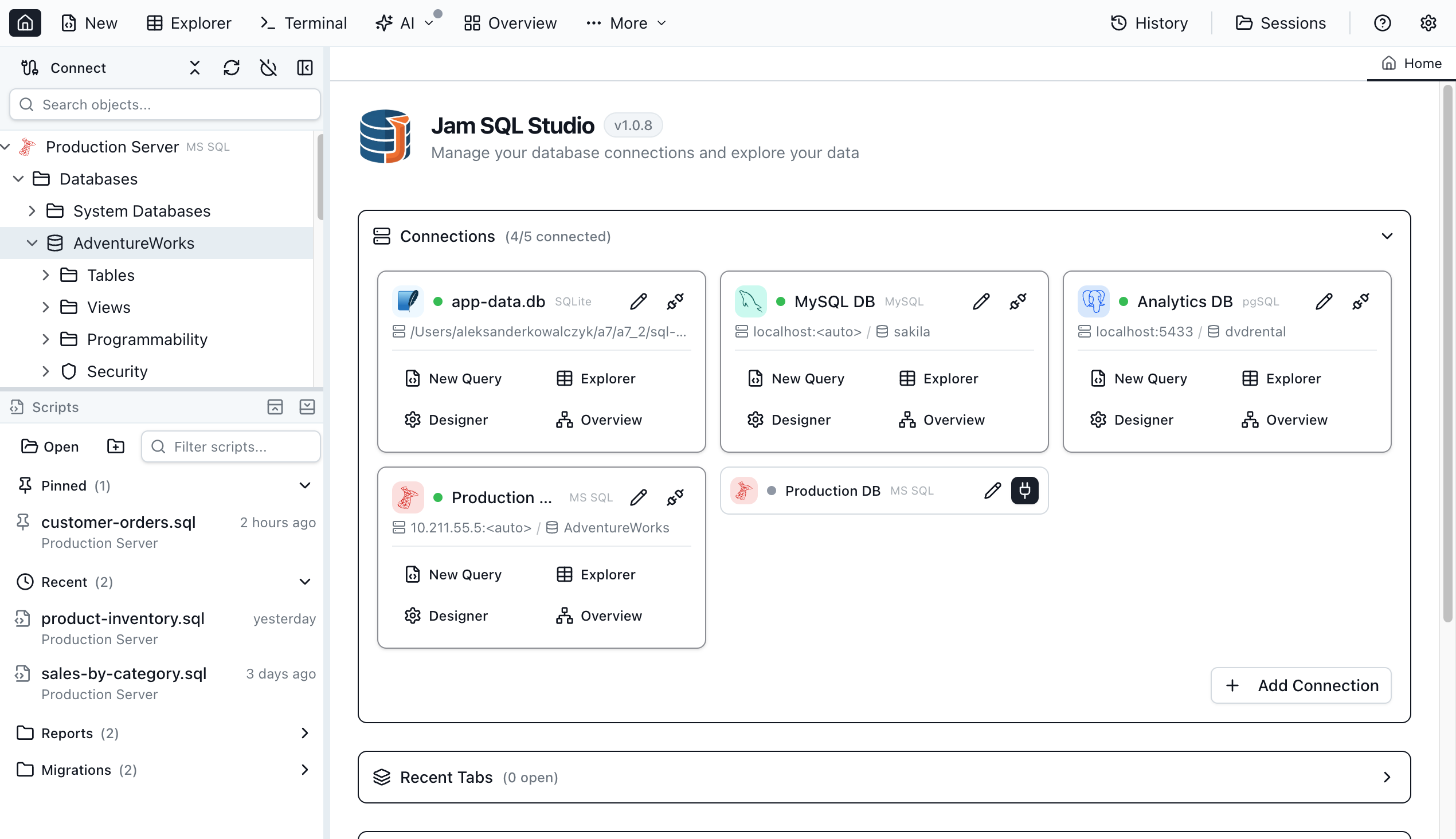
Home
Your starting point after connecting to SQL Server databases. Saved connections and recent sessions are always one click away.
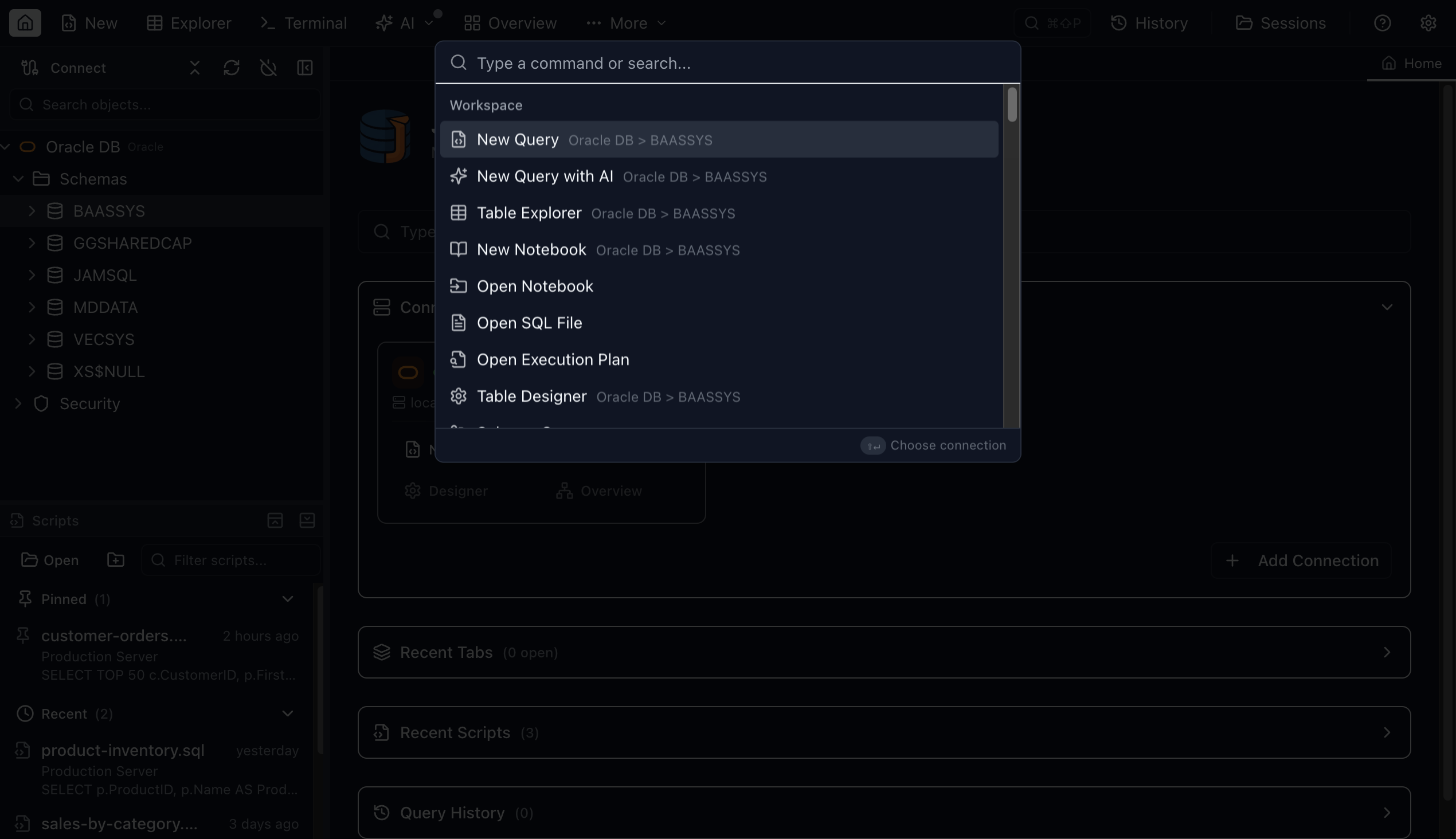
Command Palette
Press Cmd+Shift+P (Ctrl+Shift+P on Windows/Linux) to fuzzy-search every command, setting, and database object. The same shortcut power users expect from VS Code and JetBrains.
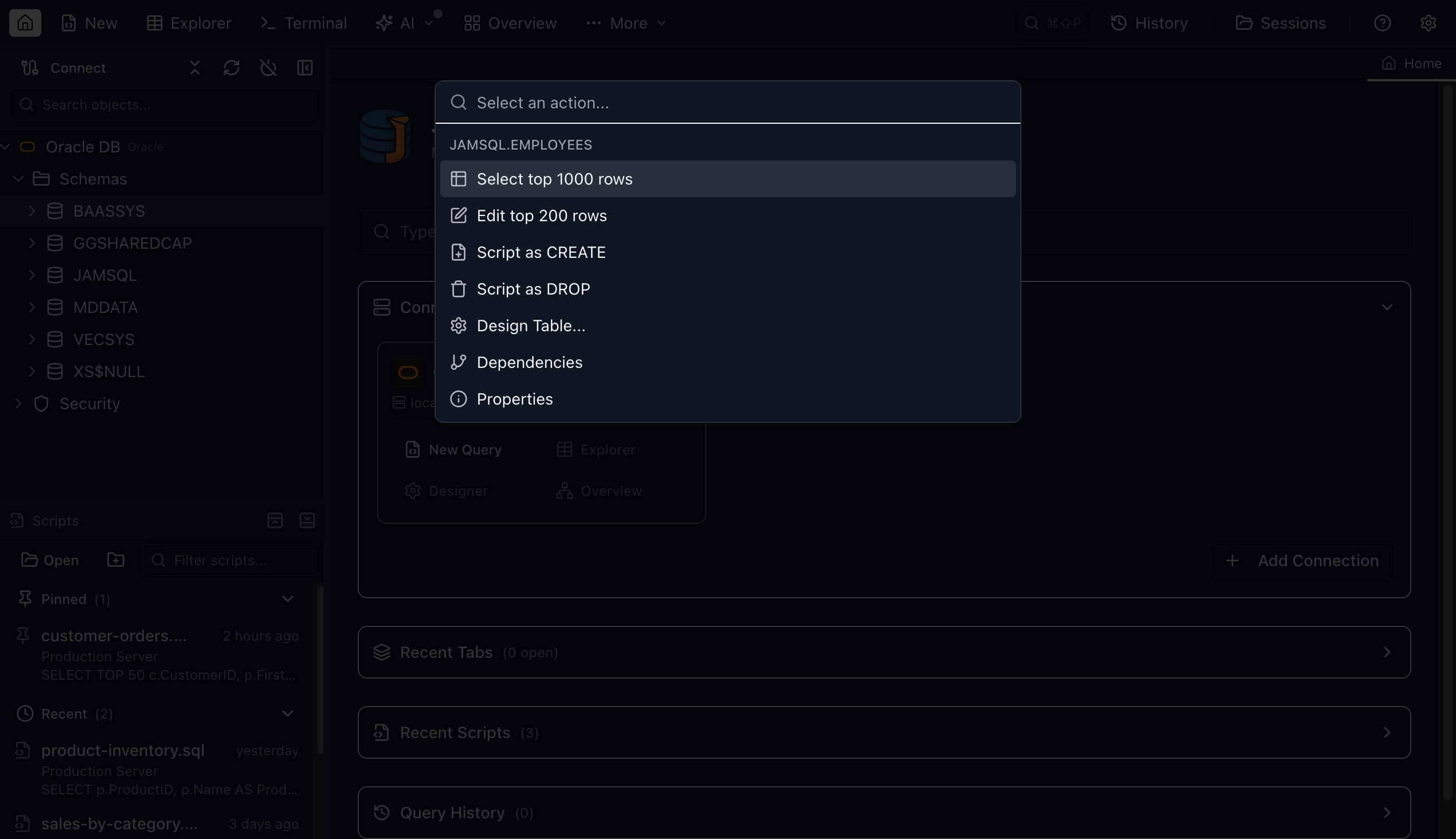
Command Palette — Object Drill-Down
Search for a table, view, or procedure by name, then drill into contextual actions like Select Top, Script CREATE, or Design Table — all without leaving the keyboard.
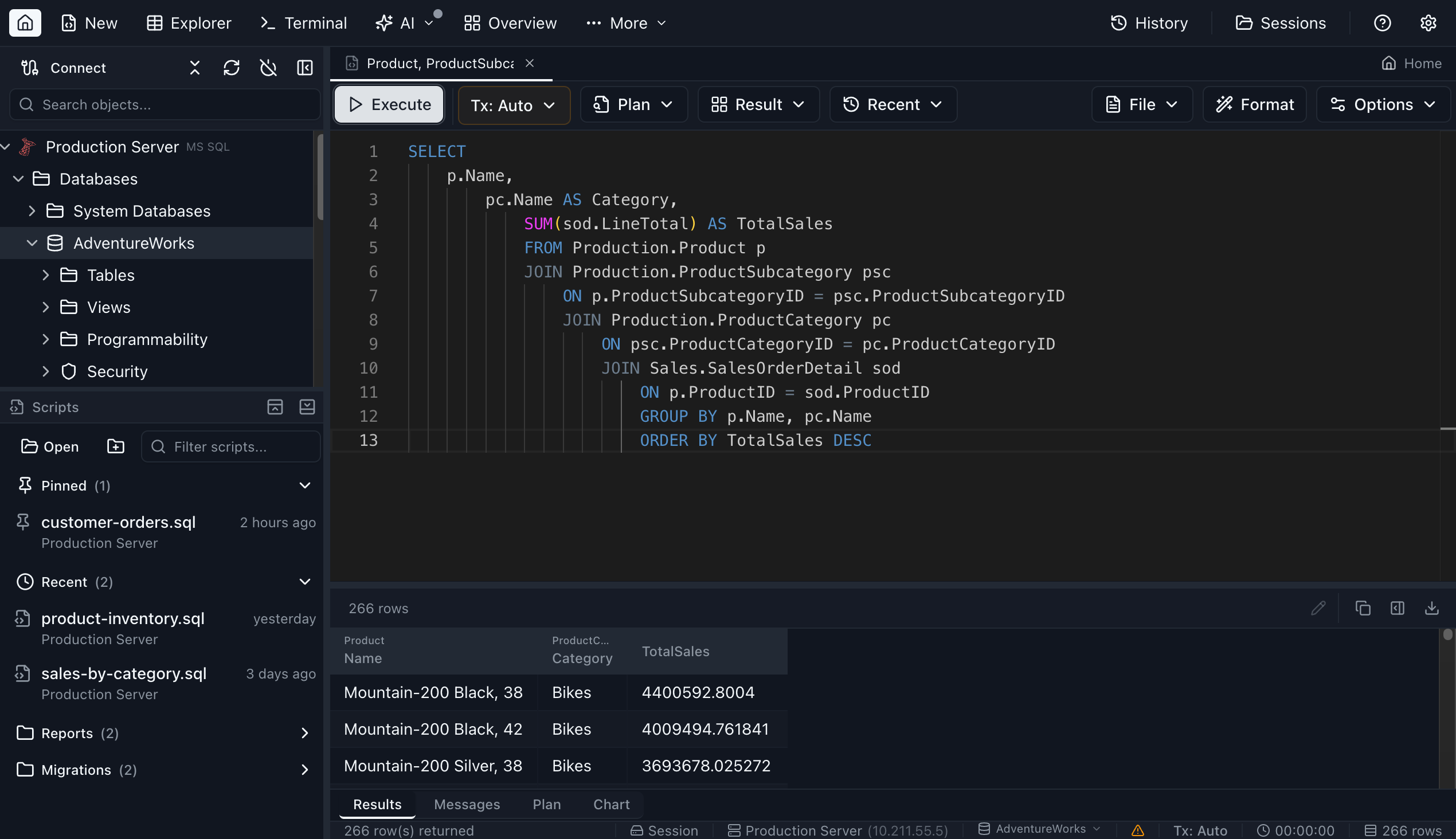
Query Editor
Write SQL with full IntelliSense, then execute and browse results in a fast data grid. Edit result cells inline and preview the generated UPDATE script before committing.
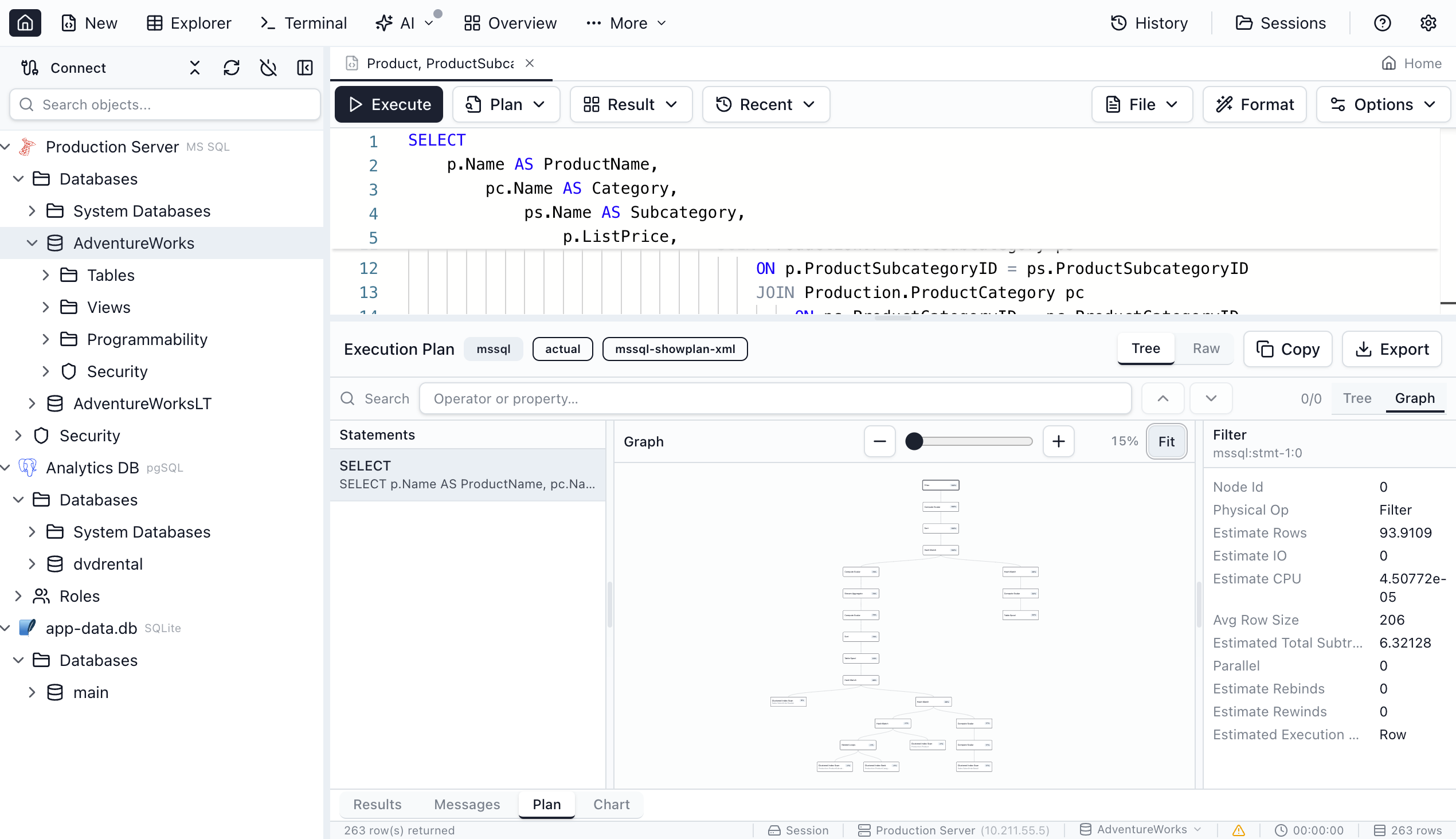
Execution Plan
Visualize how SQL Server executes your query as an interactive flow graph. Identify bottlenecks and optimize performance at a glance.
Transaction Management
Control transactions with Auto, Manual, and Smart Commit modes. One-click commit and rollback with per-tab isolation levels.
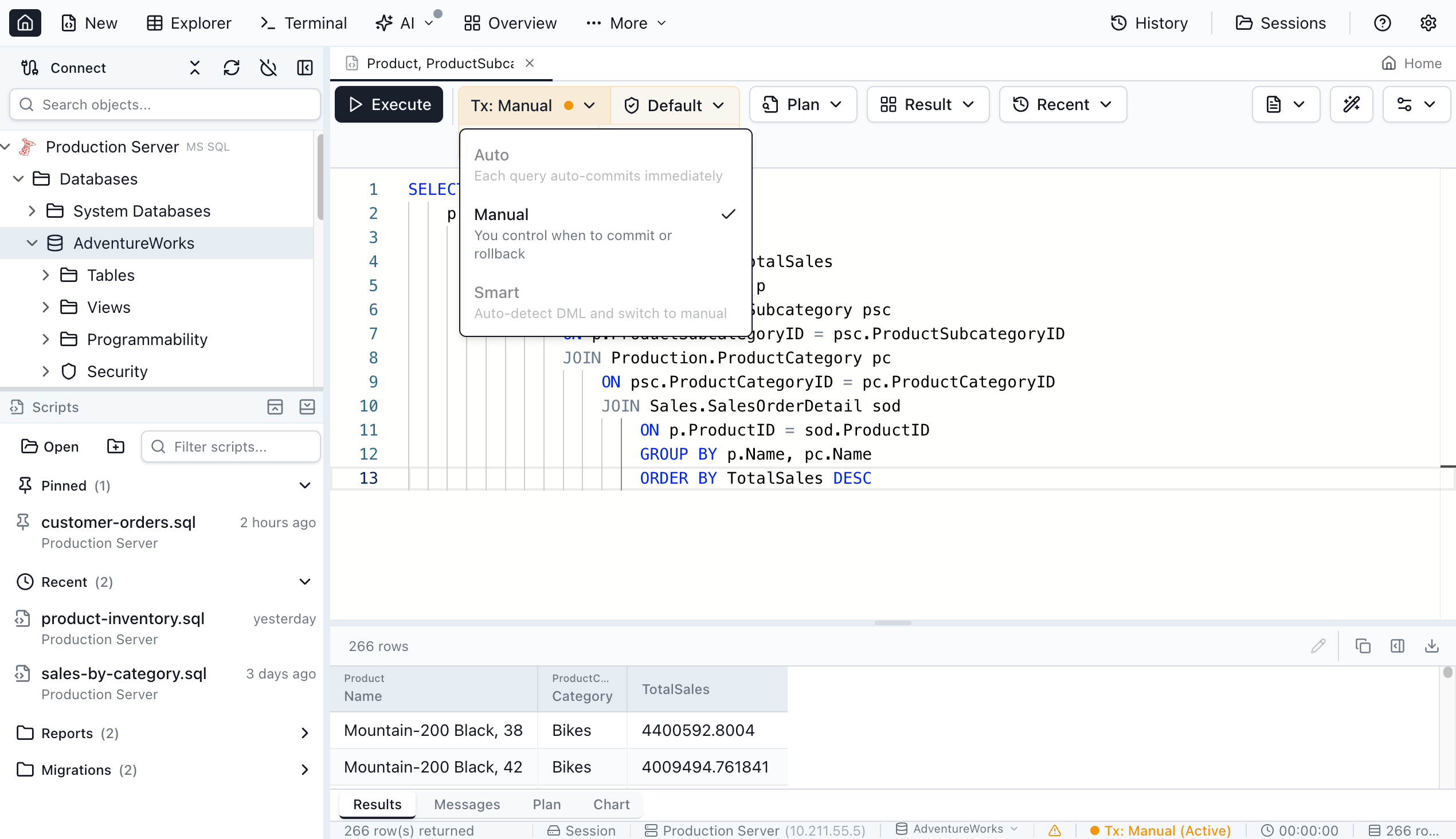
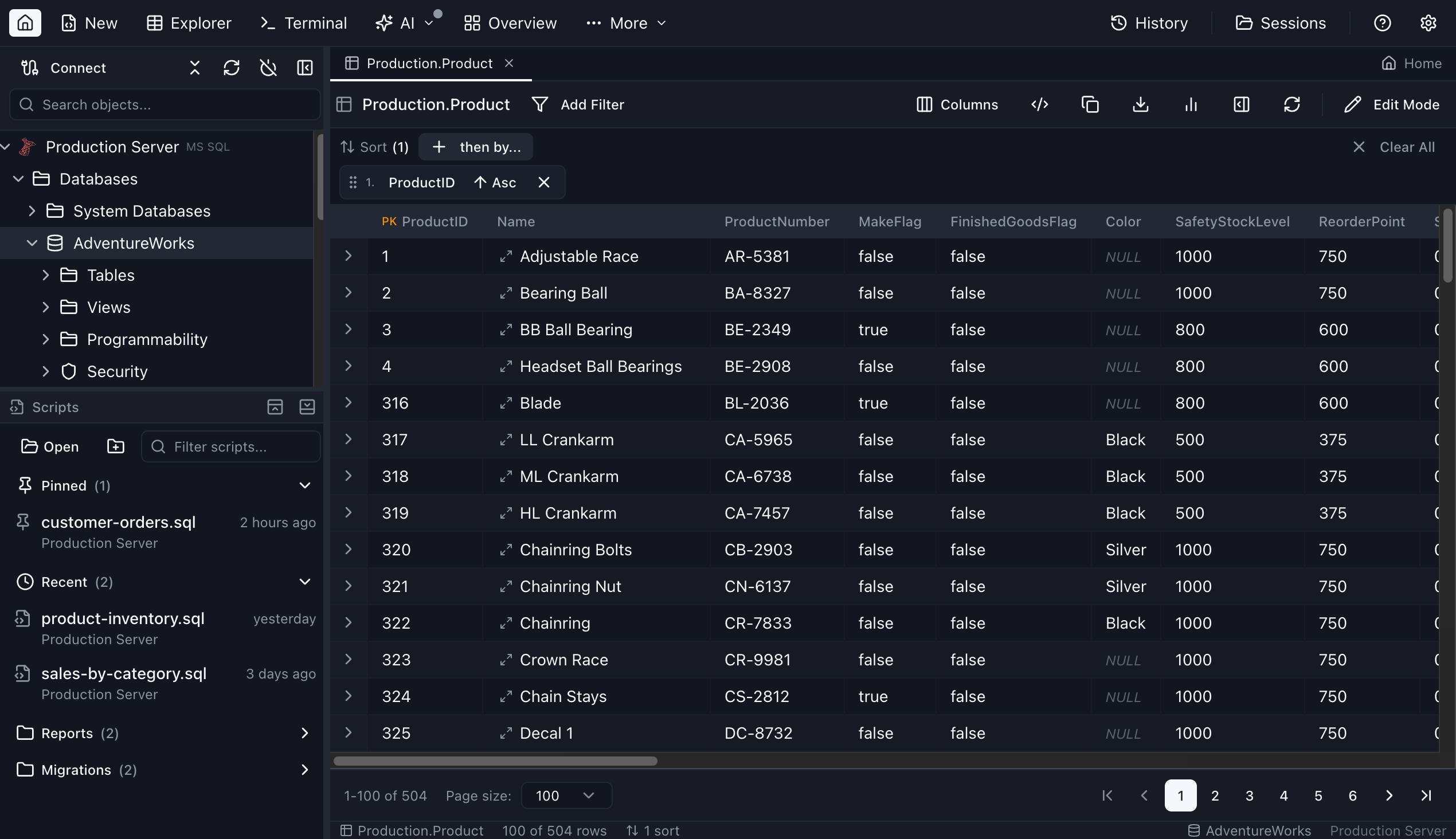
Table Explorer
Browse any table with sorting, filtering, and pagination. The column-aware toolbar lets you slice data without writing SQL.
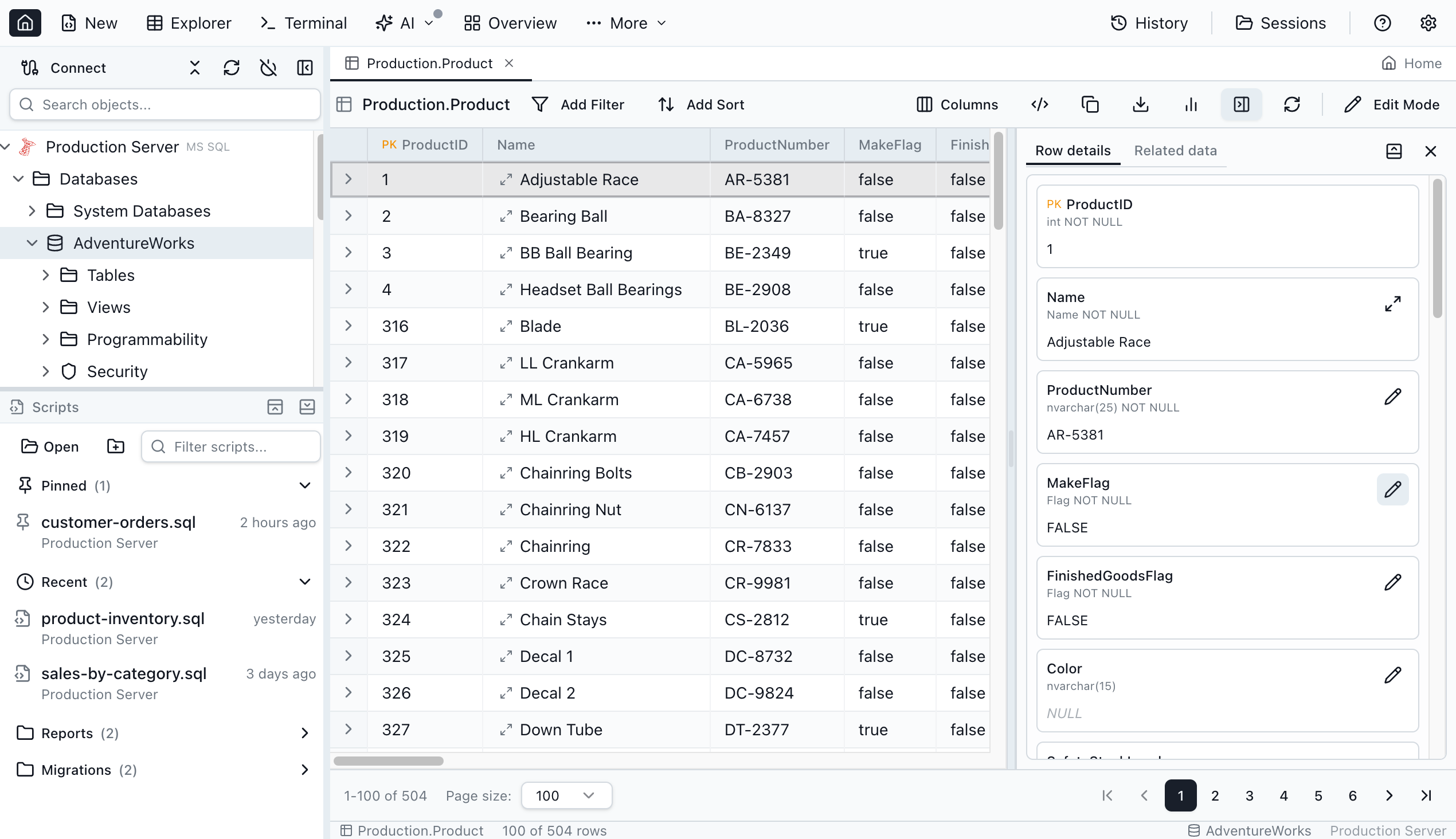
Row Details
Open a side panel to inspect all columns of a selected row, including long text and binary fields that don't fit in the grid.
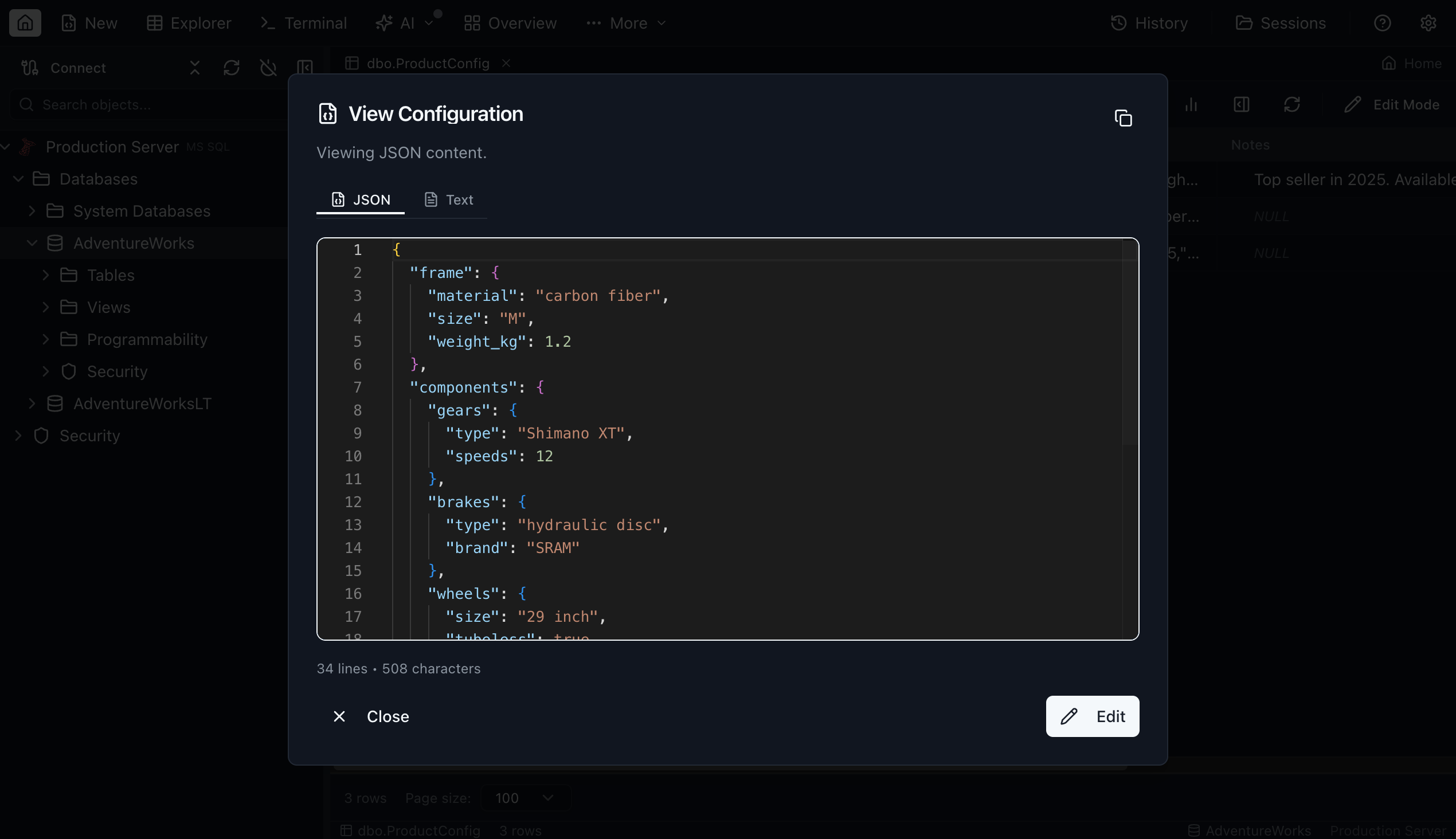
JSON & Text Viewer
Expand any JSON or multiline cell into a full editor with syntax highlighting, validation, and formatting. Switch between JSON and text modes on the fly.
Related Data
Expand foreign-key relationships inline. Click a row expander to discover and preview every table that references it.
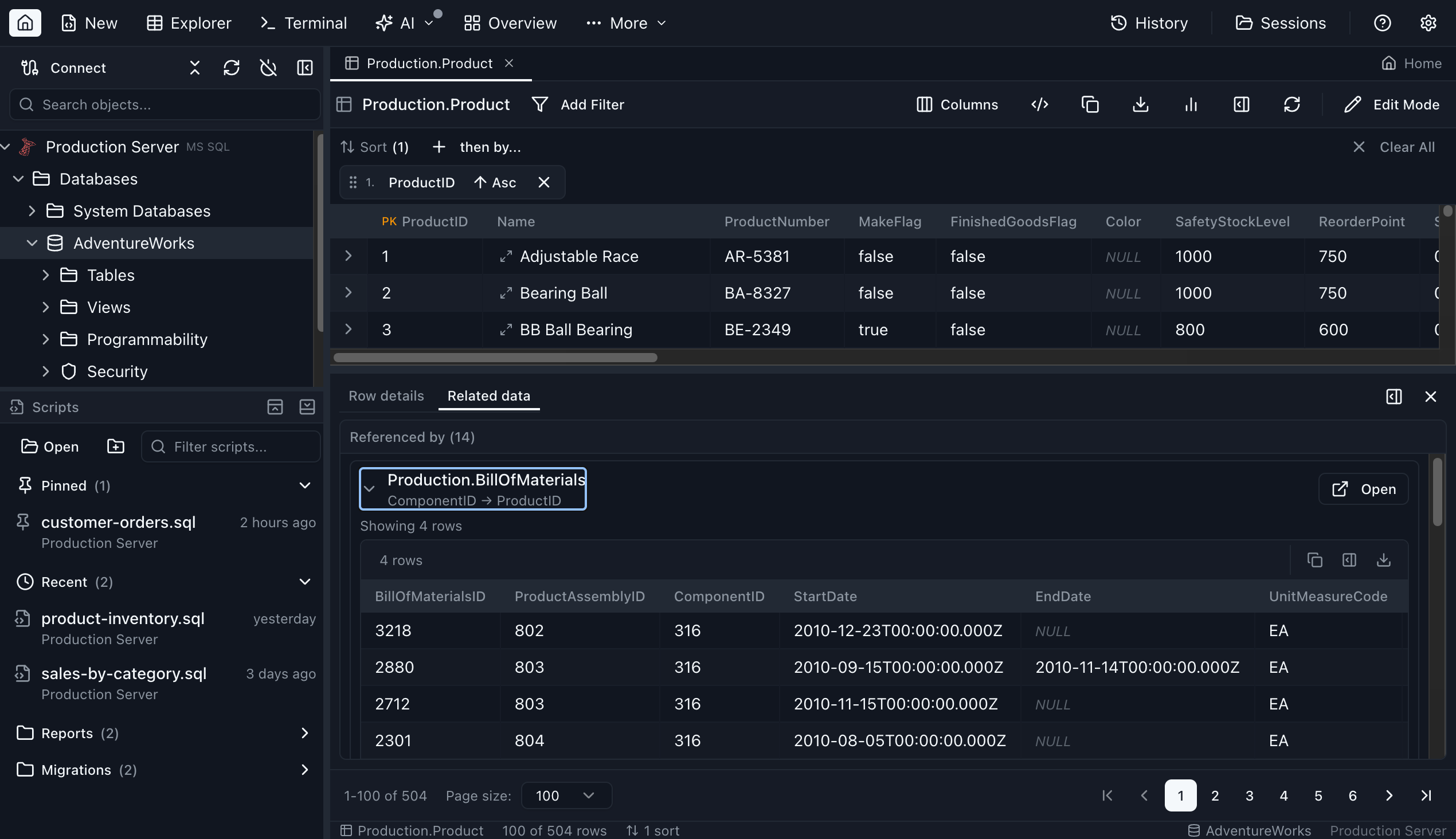
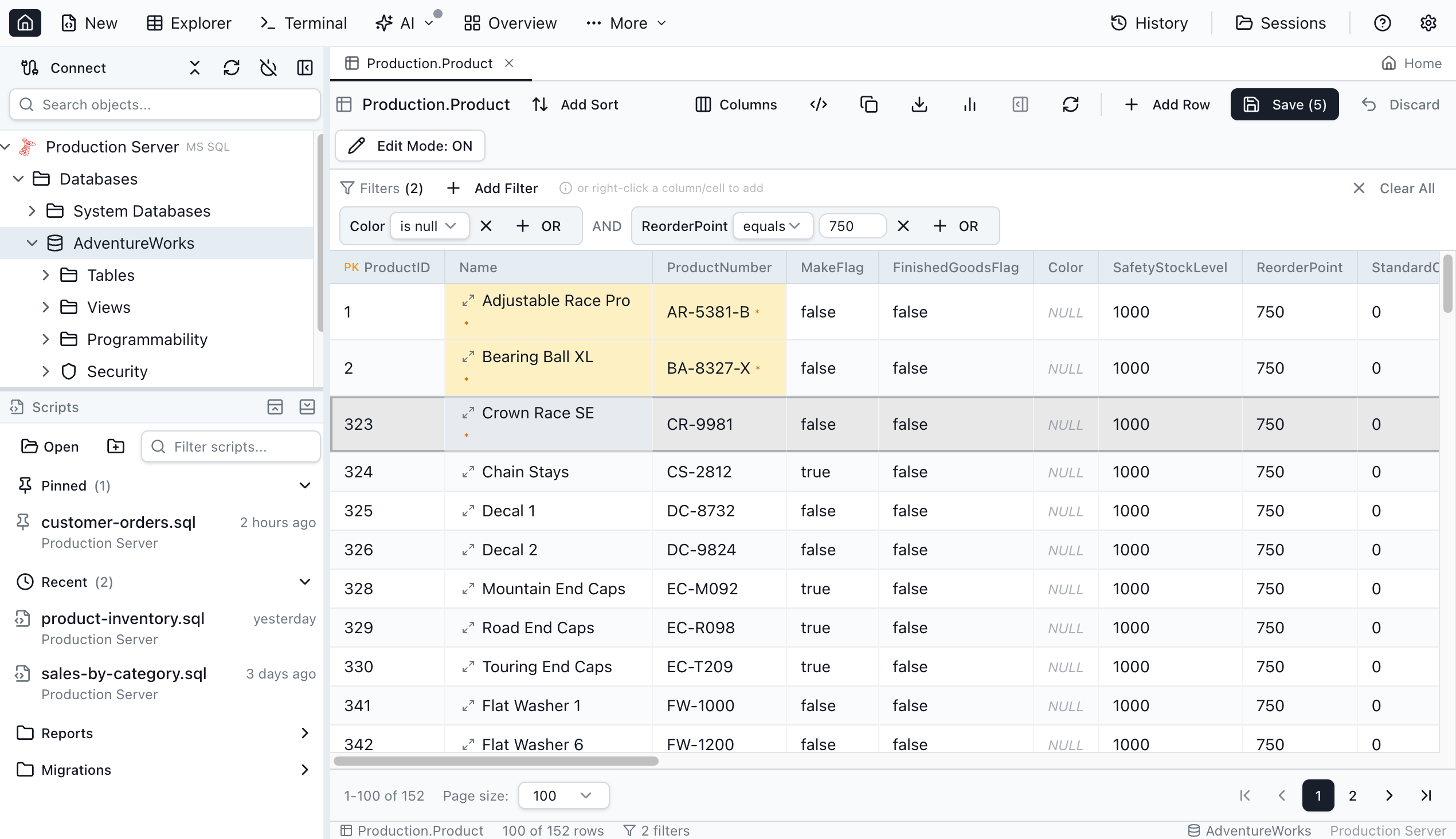
Table Editor
Toggle edit mode to modify cell values directly in the grid. Changed cells are highlighted in amber until you save or discard.
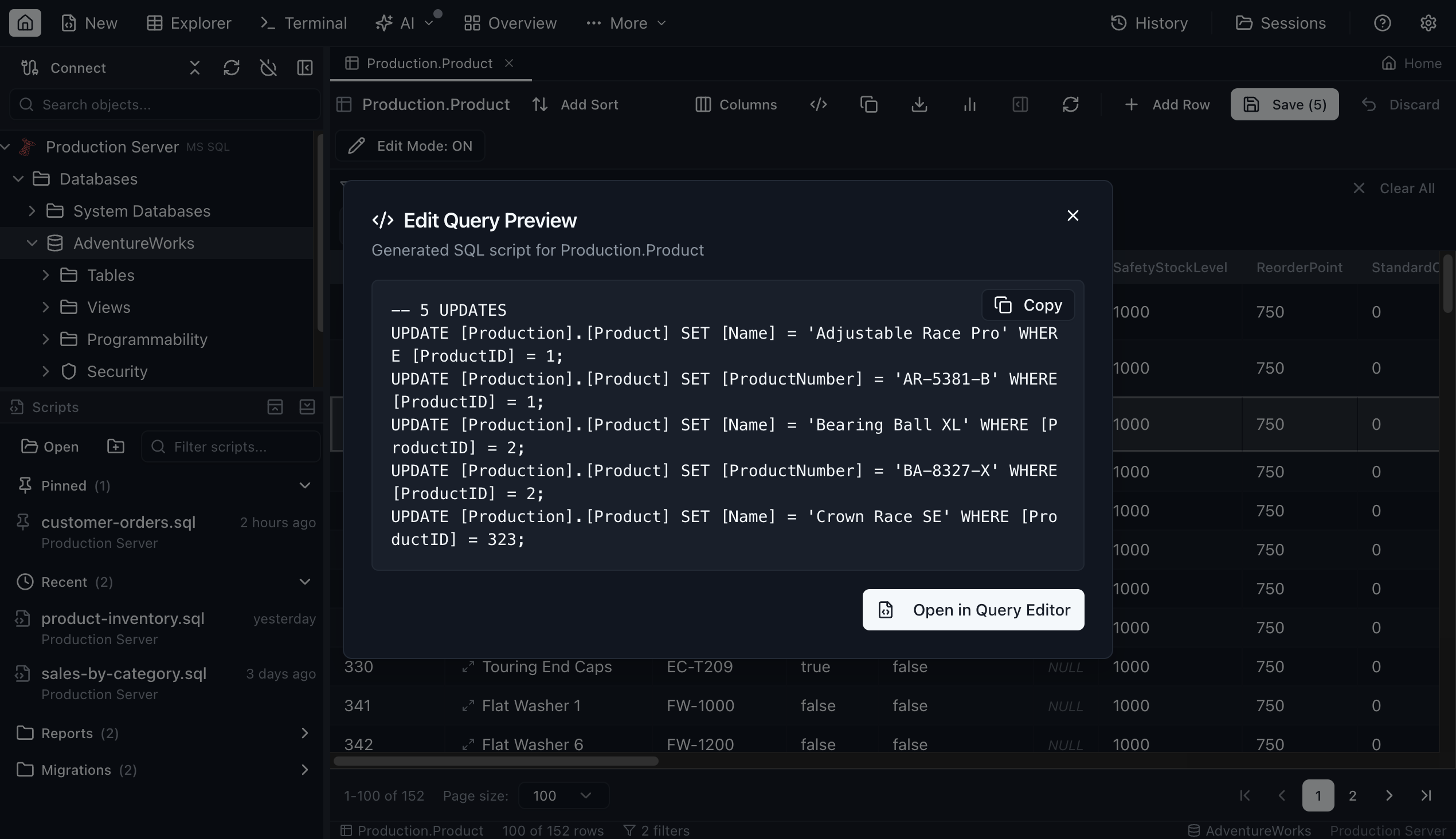
Edit Script Preview
Before committing changes, preview the exact UPDATE statements that will run. Nothing hits the database until you confirm.
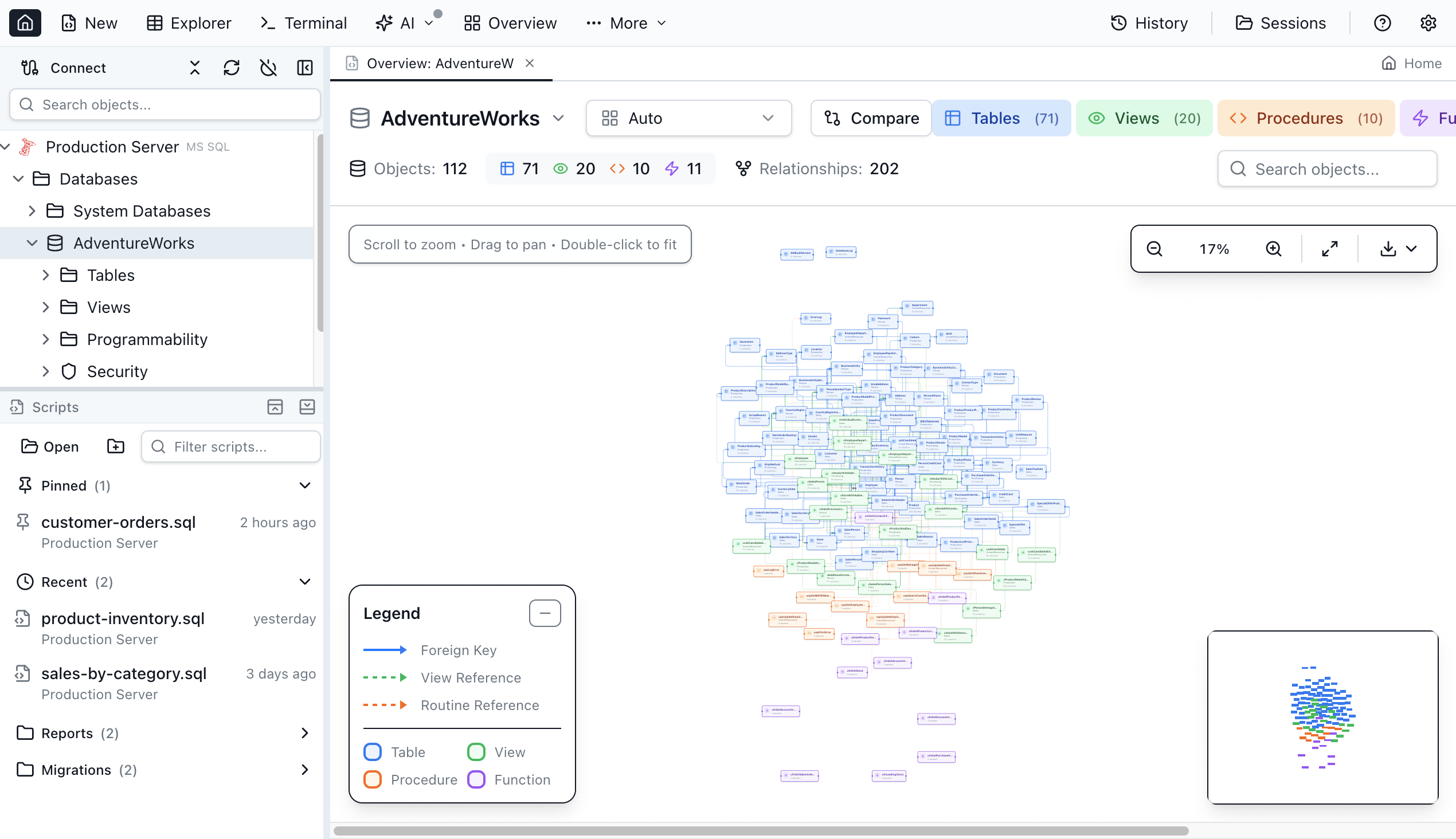
Schema Overview
Visualize your entire database as an ER diagram with foreign-key edges. Pan, zoom, and click any table for column details.
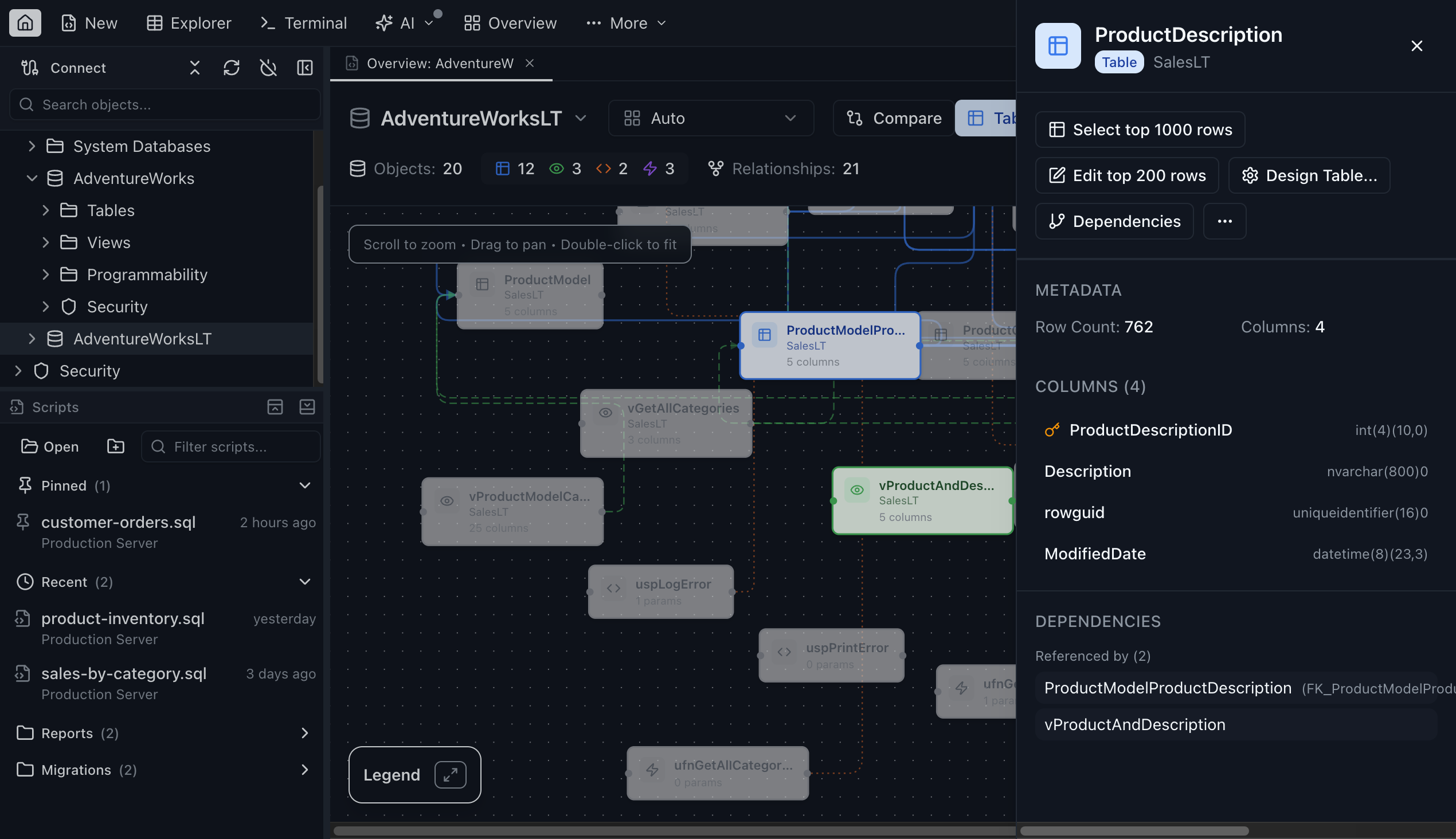
Schema Detail
Select a table node to open a detail drawer showing columns, types, nullability, and key information at a glance.
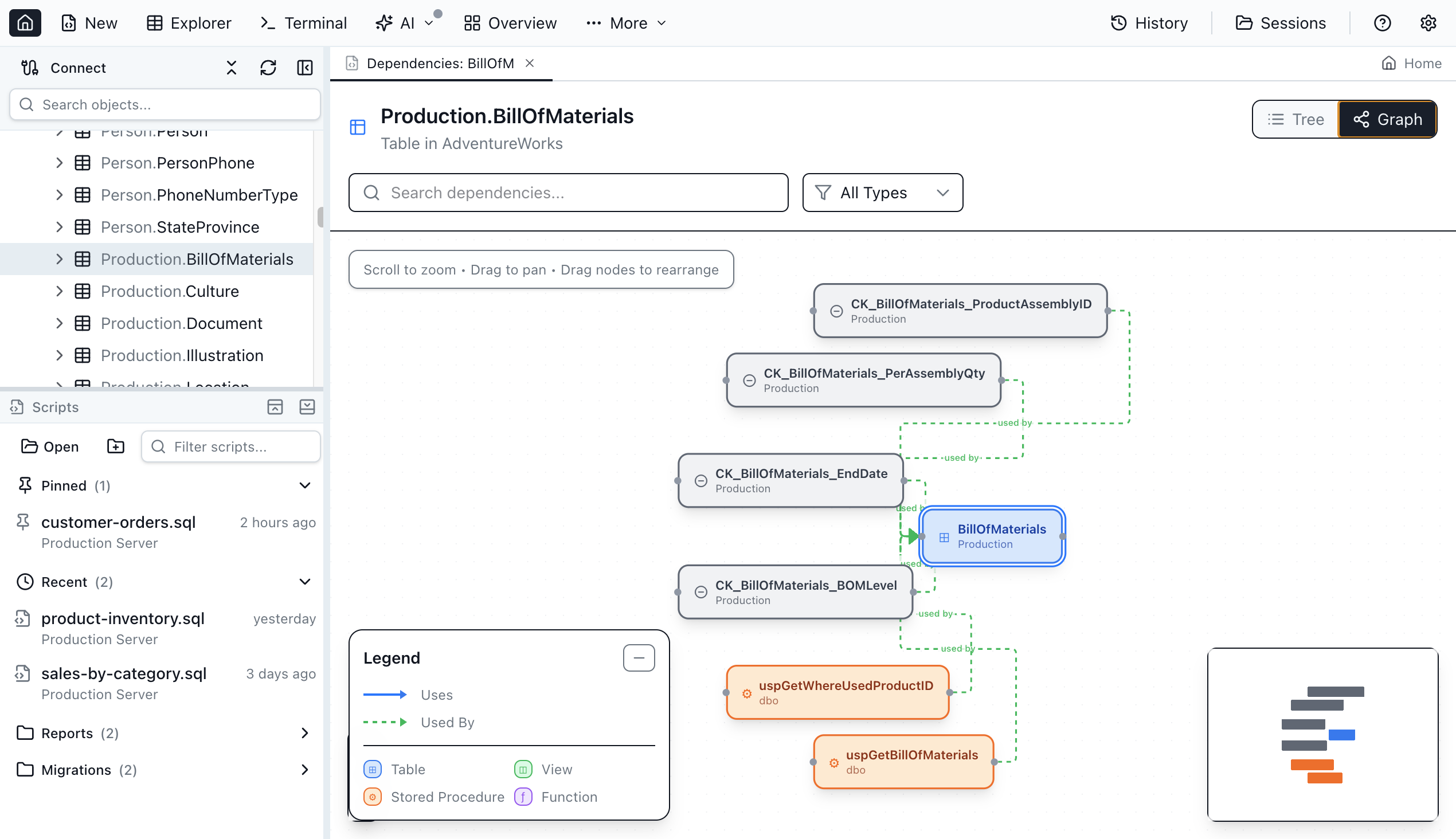
Dependency Viewer
Trace object dependencies as an interactive graph. See which views, procedures, and triggers depend on a given table.
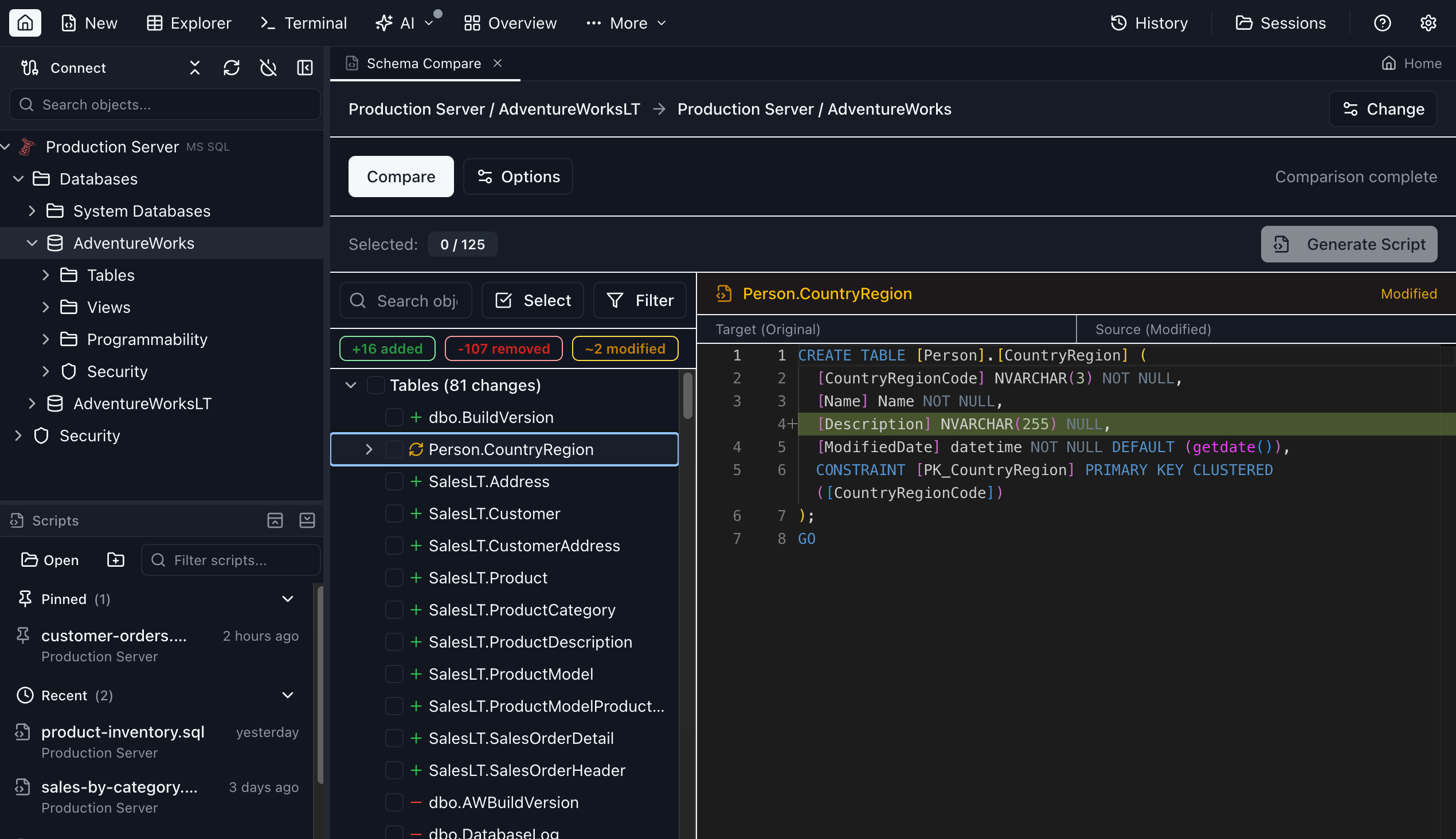
Schema Compare
Diff two databases side by side and inspect every CREATE, ALTER, and DROP needed to synchronize them.
Data Compare
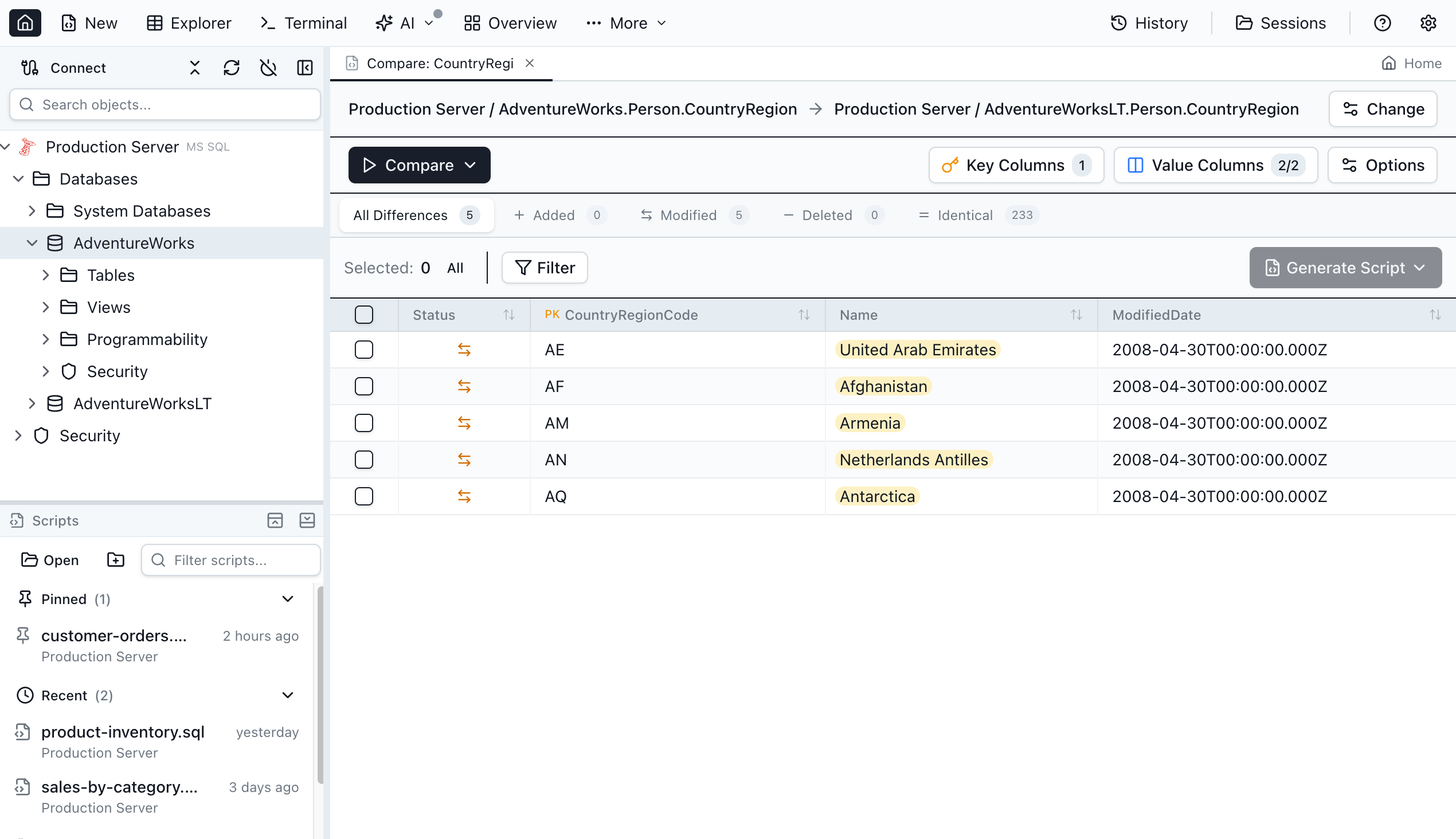
Compare rows between two tables with color-coded diffs for modified, added, and deleted records.
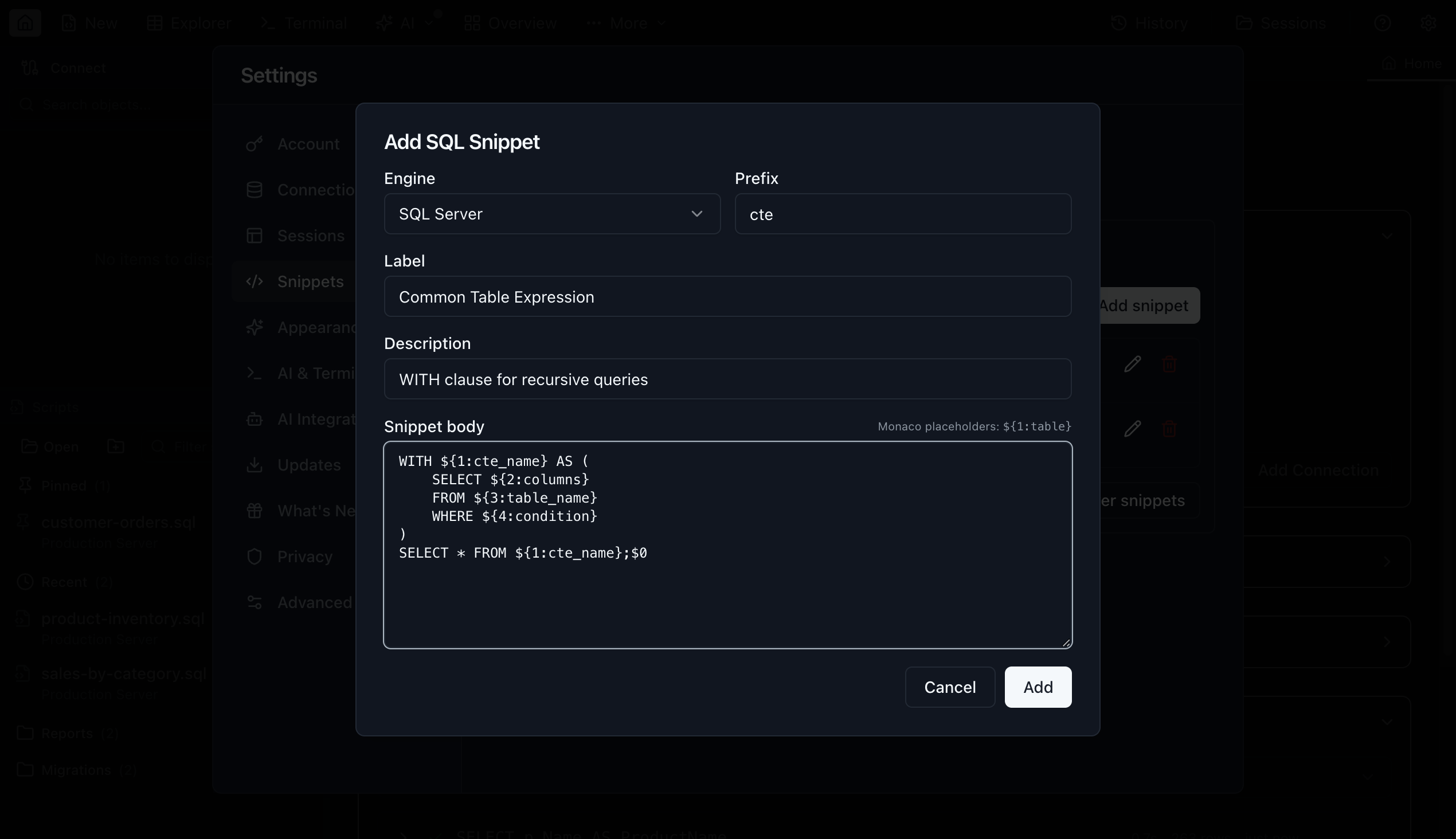
SQL Snippets
Create and manage reusable SQL snippets with tab-stop placeholders. Snippets expand inline via autocomplete as you type.
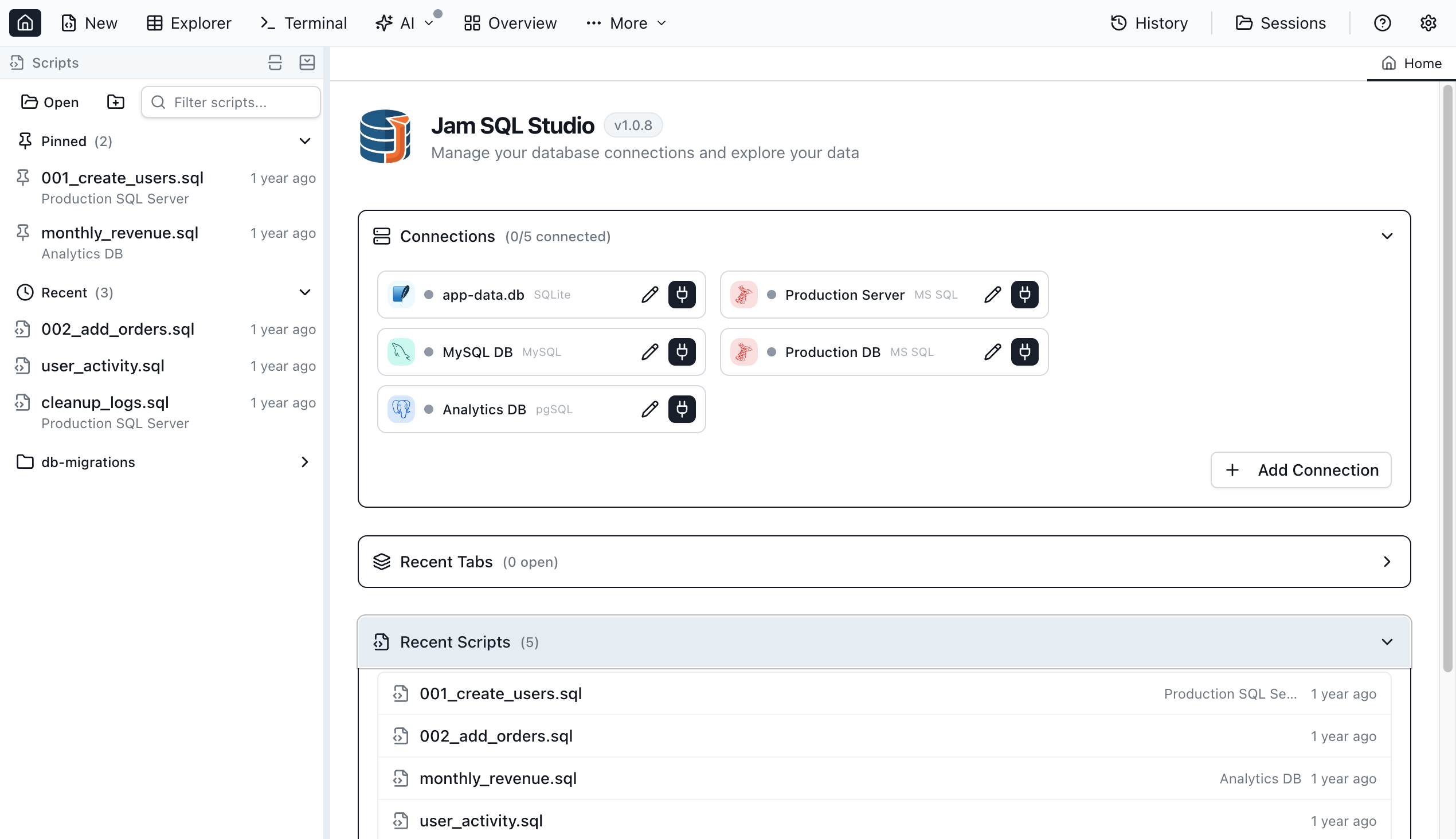
Script Management
Organize your .sql files with Recent, Pinned, and Mounted Folders in the Scripts sidebar panel. Filter and reopen scripts instantly across workspaces.
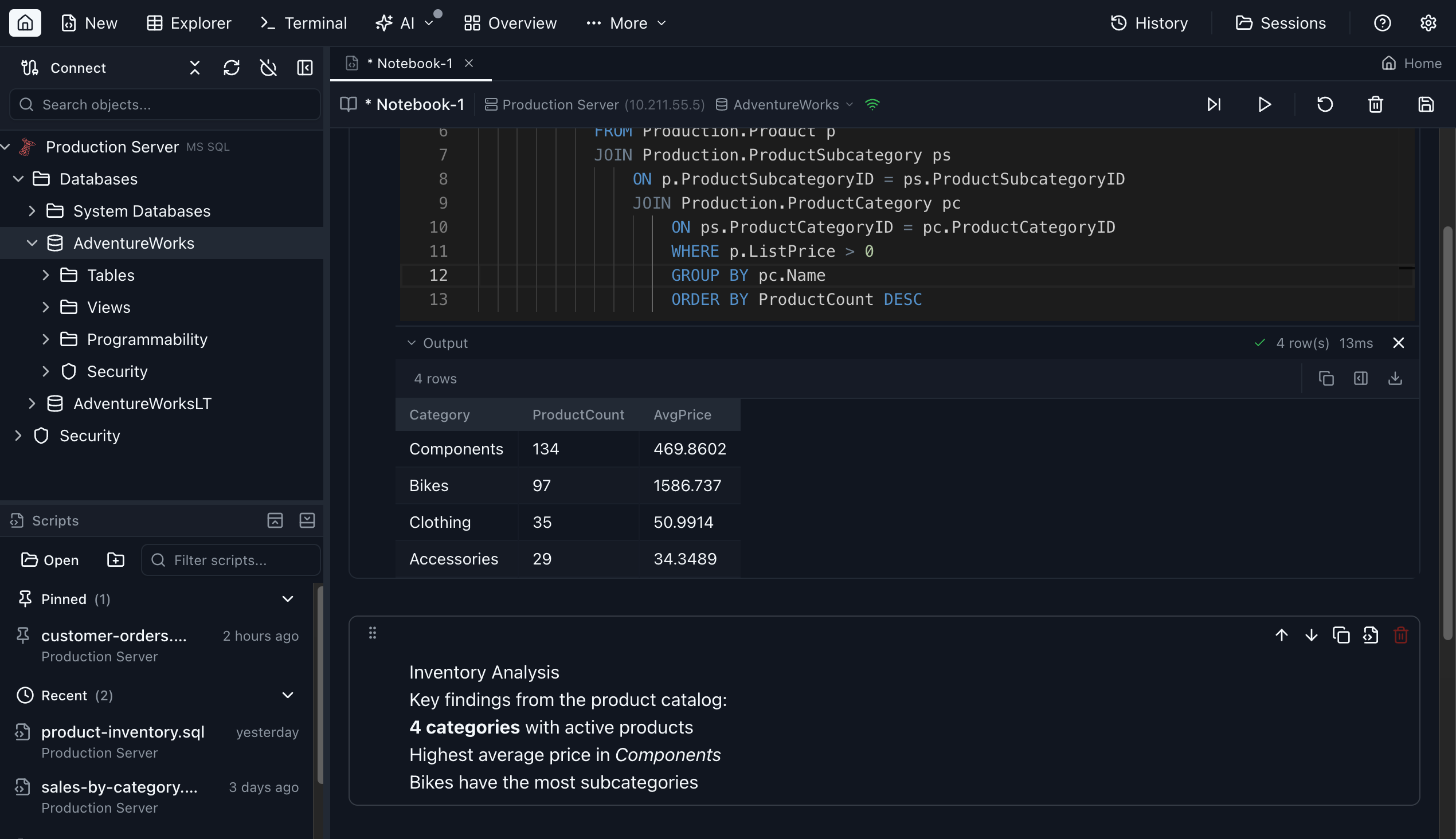
SQL Notebooks
Combine executable SQL and JavaScript cells with Markdown documentation in a single scrollable workspace. Run queries inline, process results with JS, and build self-documenting runbooks.
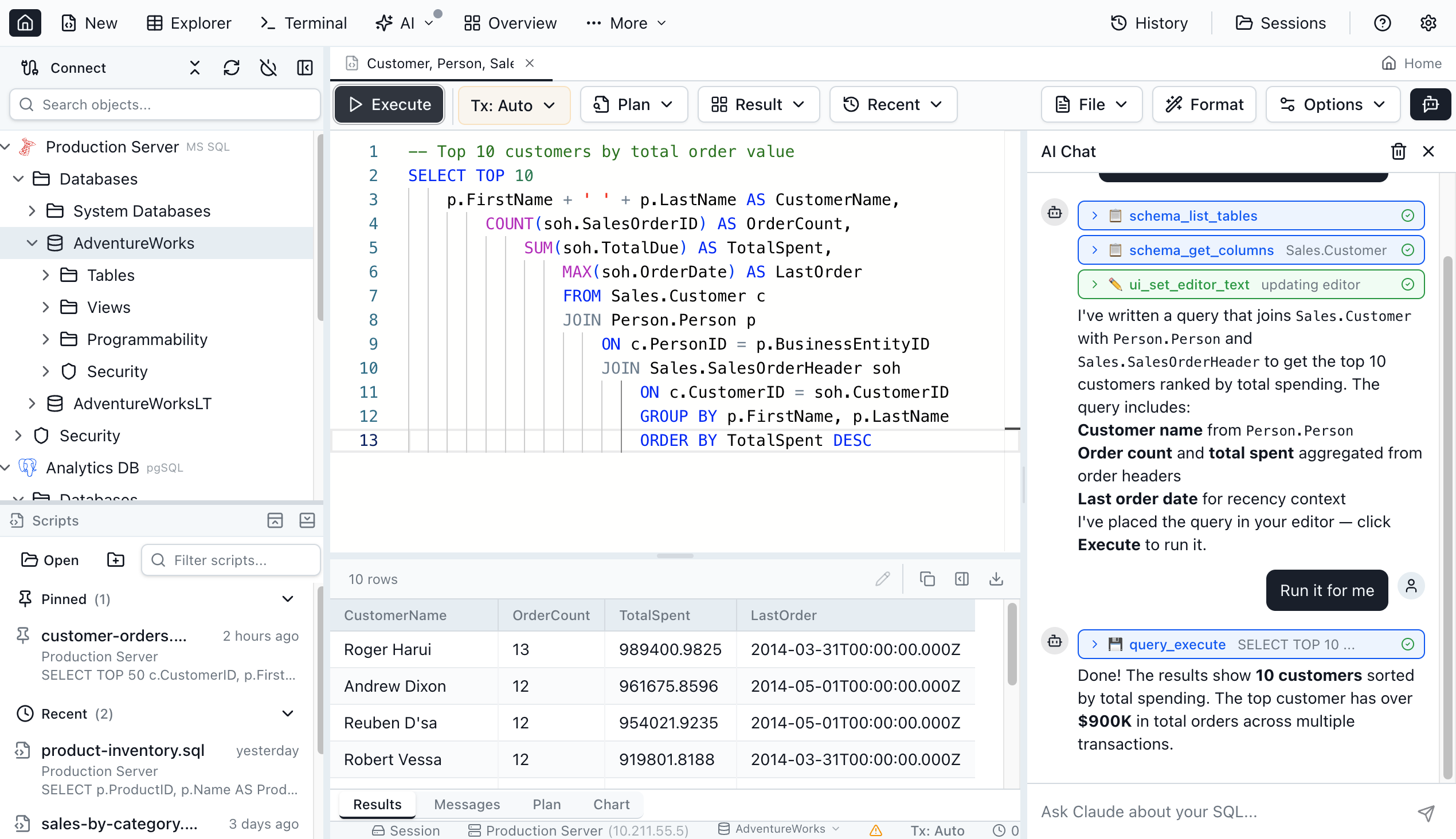
AI Chat Sidebar
Powered by your locally installed Claude Code CLI. Ask Claude to write queries, explore schema, and run SQL right from the sidebar. No extra subscription — reuses your existing Claude Code setup.
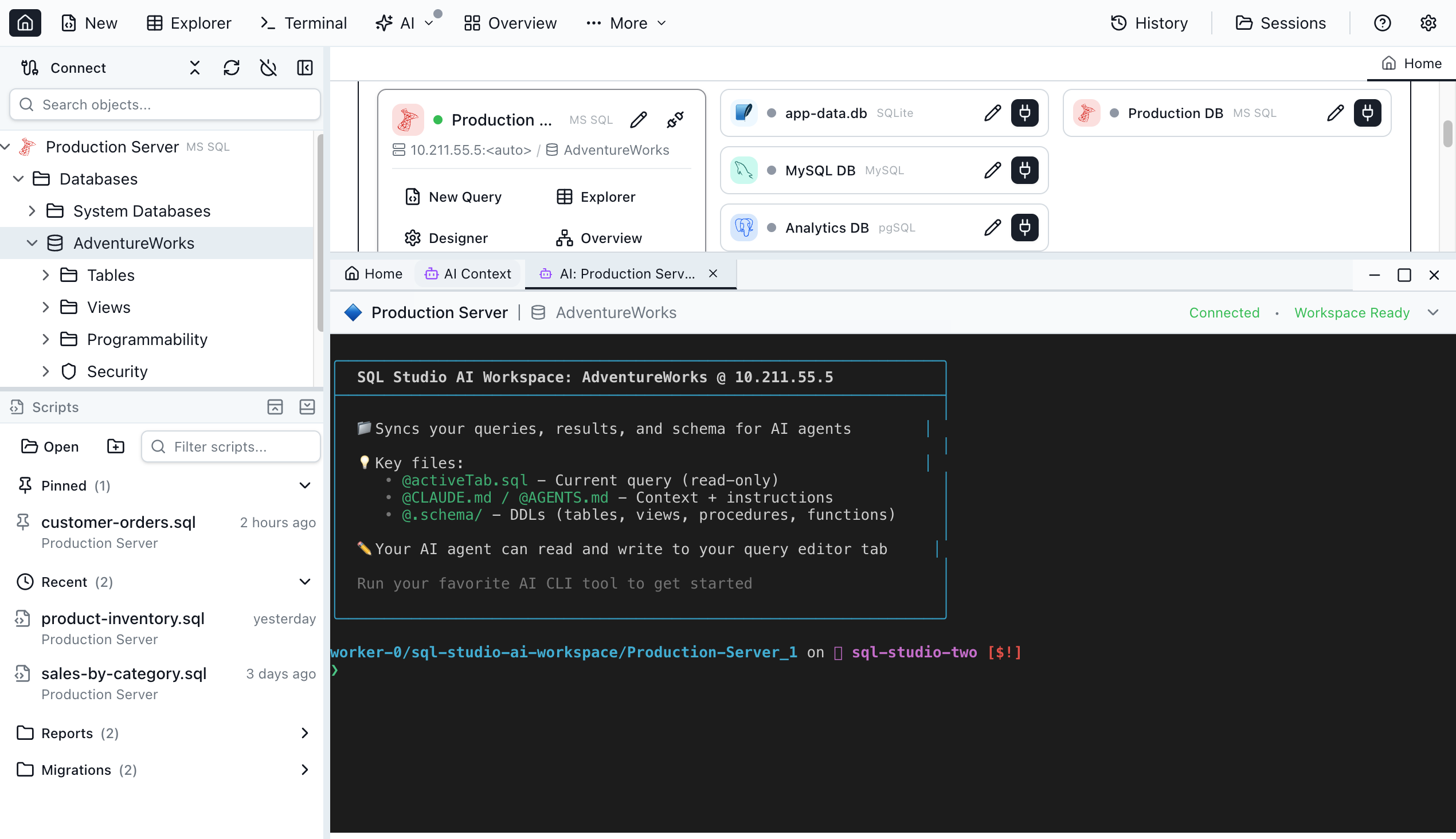
AI Terminal
An AI-powered context terminal that understands your database schema. Ask questions, generate queries, or explore data using natural language.
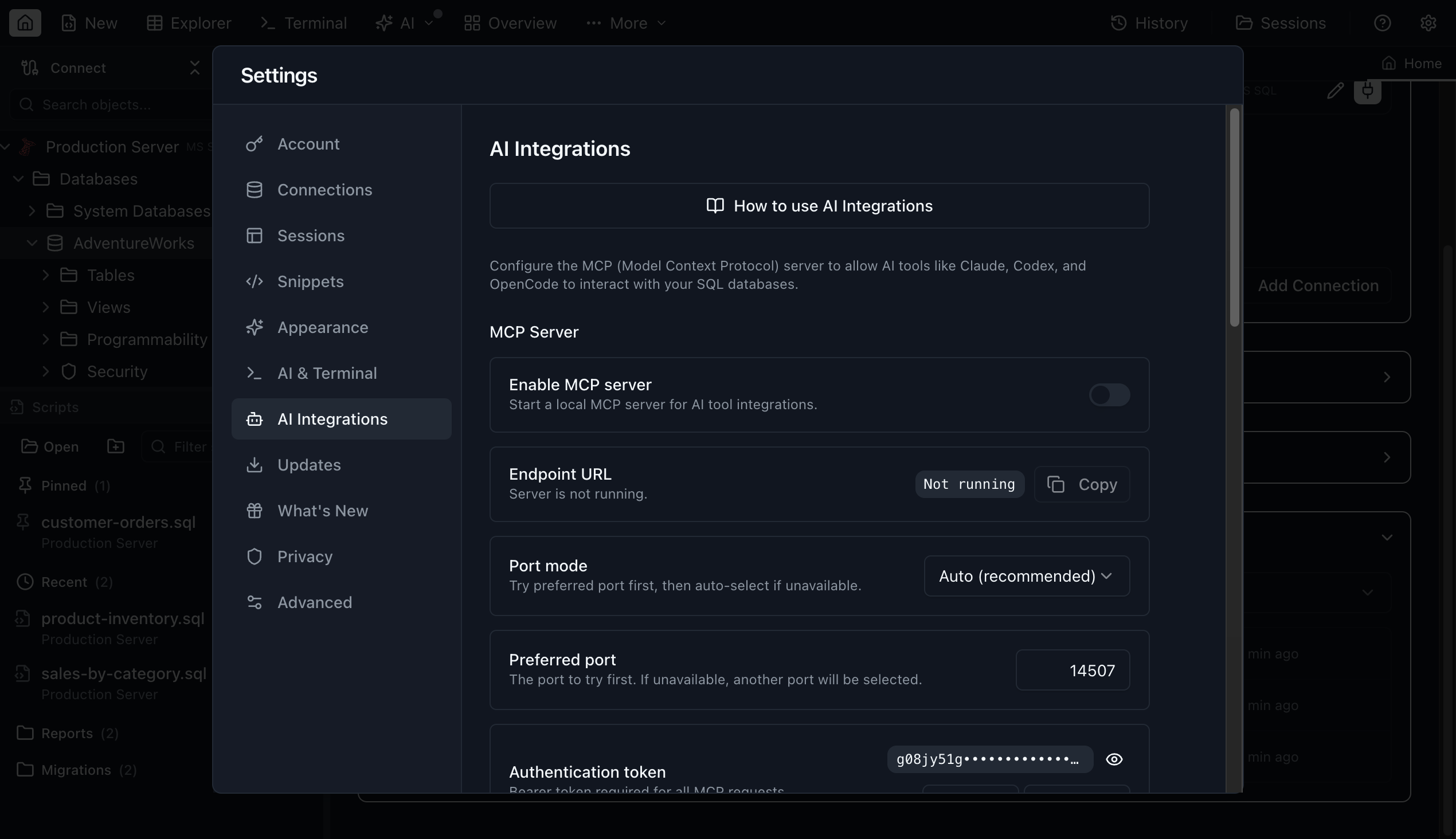
AI Integrations
Configure MCP server connections so external AI agents like Claude Code or Cursor can query and manage your databases.
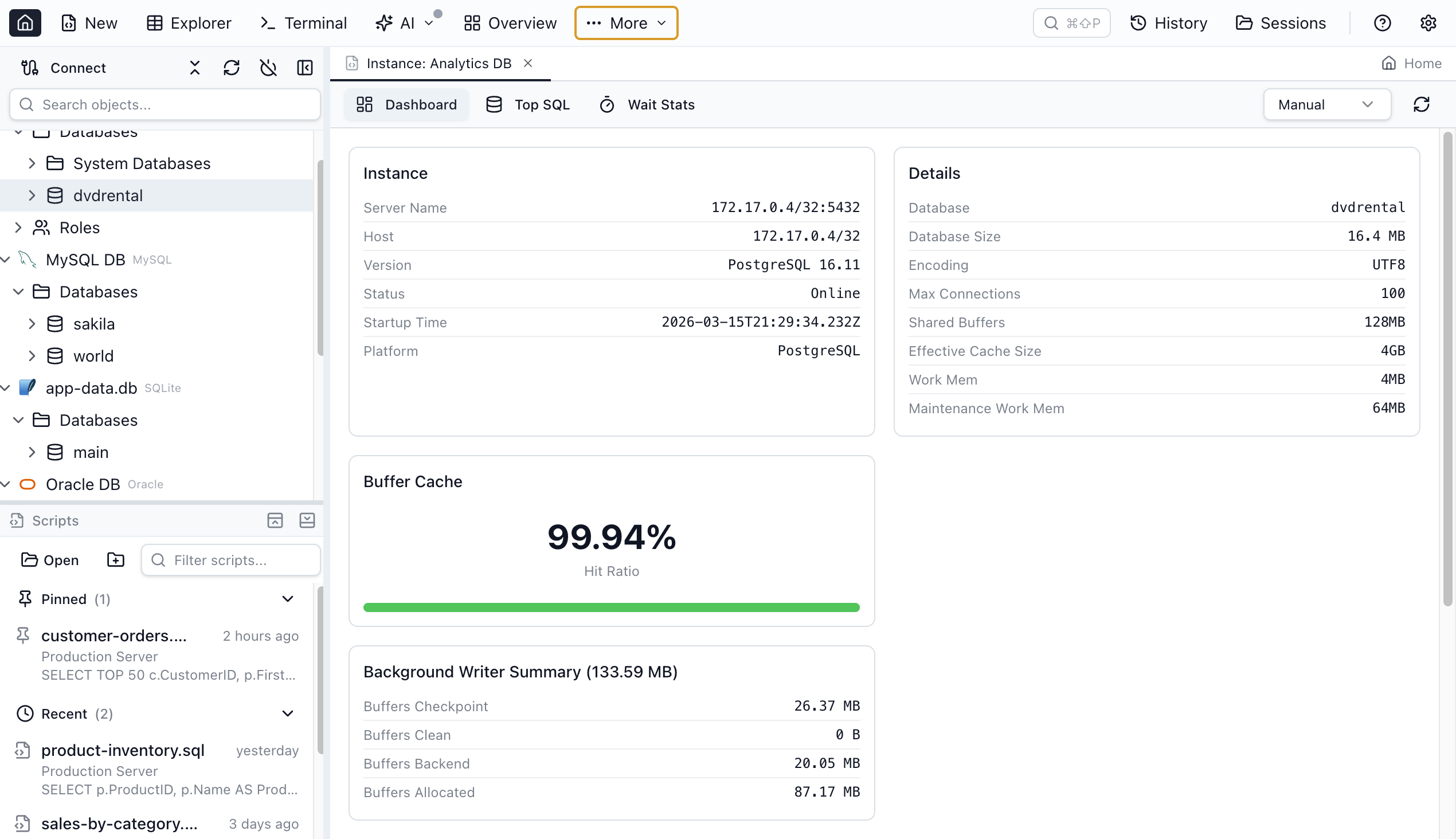
DBA Tools
Monitor database health with a real-time Performance Dashboard, browse and kill sessions, analyze wait events and locks, and manage storage with Tablespace Manager (Oracle) and Filegroup Manager (SQL Server).
And much more
Features not shown above that are already built in:
Ready to try it yourself?